10 Social Media Planner Printables to Organize, Create & Grow
Staying consistent on social media without burning out requires more than motivation – it requires a system. Whether you are a creator, small business owner, or social media manager, having a dedicated planner helps you move from random posting to strategic growth.
This collection of 10 minimalist, aesthetic printable planners was designed to give you a complete ecosystem for your content workflow. From high-level monthly goals to daily caption writing, each sheet works together to keep you organized, inspired, and intentional.
All templates are unfilled so you can print them and use them again and again. Let’s dive in.
1. Monthly Content Calendar
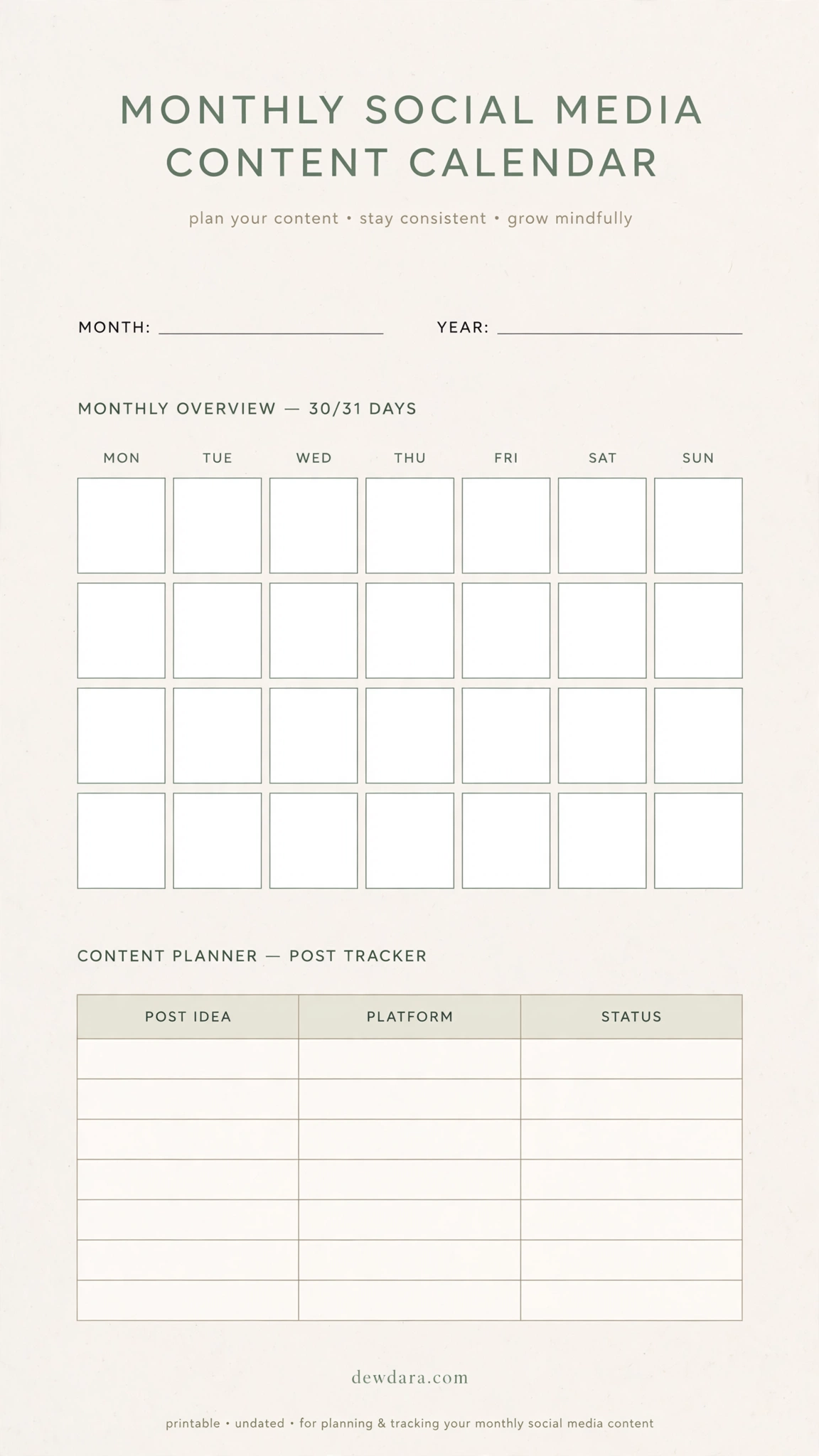
What it is: The big-picture overview for your entire month. This calendar grid lets you map out 30-31 days at a glance.
How to use it: At the start of each month, fill in your key dates, launches, and content themes. Use the columns for Post Idea, Platform, and Status to track what is planned, scheduled, and posted. This is your command center – it prevents last-minute scrambling and ensures you have a balanced mix of content throughout the month. Ideal for color-coding by content pillar.
2. Weekly Content Planner
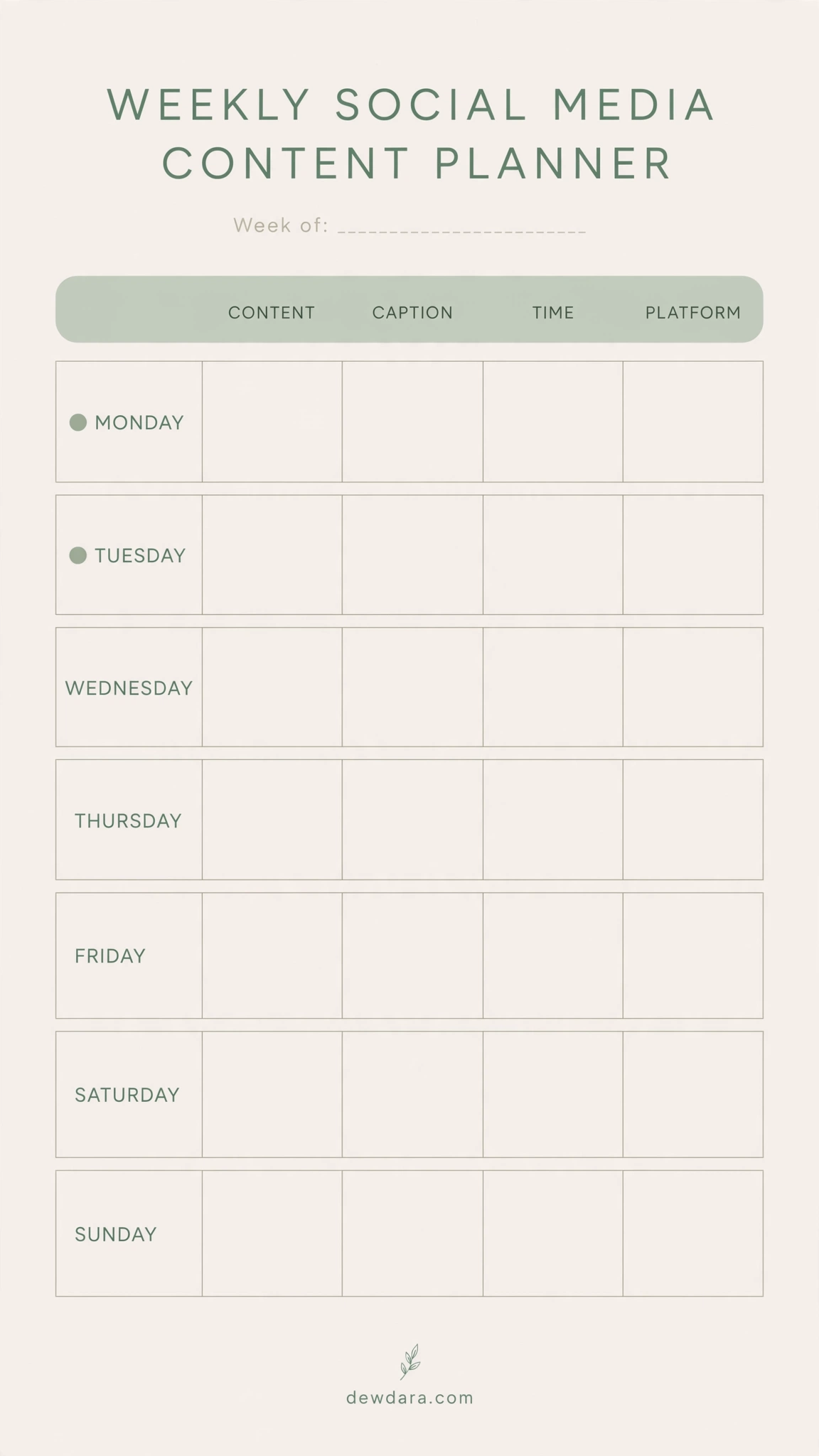
What it is: Your week broken down into actionable daily plans. More detailed than the monthly view, but not as granular as the daily sheet.
How to use it: Every Sunday, use this planner to define your focus for Monday to Sunday. For each day, note the Content topic, the Caption hook, the Posting Time, and the Platform. This helps you maintain consistency, batch your work, and ensure you are not posting the same type of content two days in a row. Perfect for maintaining rhythm.
3. Daily Post Planner – In Depth
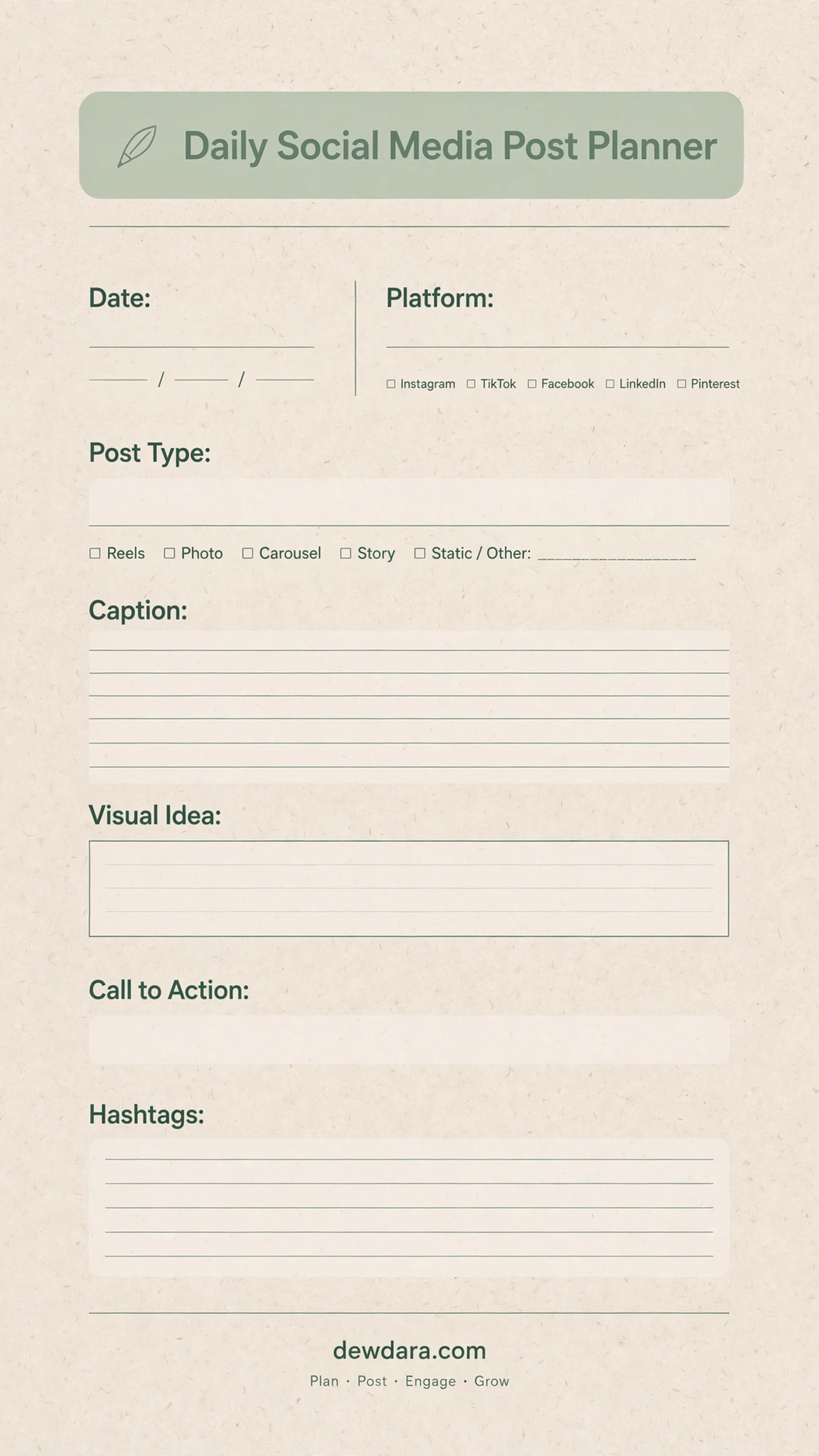
What it is: The ultimate single-post blueprint. This is where one idea becomes a ready-to-publish post.
How to use it: For each post, fill in Date, Platform (Instagram, TikTok, Facebook, LinkedIn), Post Type (Reels, Photo, Carousel, Story), then draft your full Caption, Visual Idea, Call to Action, and Hashtags. This forces you to think strategically about every element before you post, which dramatically improves quality and engagement. No more posting without a purpose.
4. Instagram Grid & Feed Preview Planner
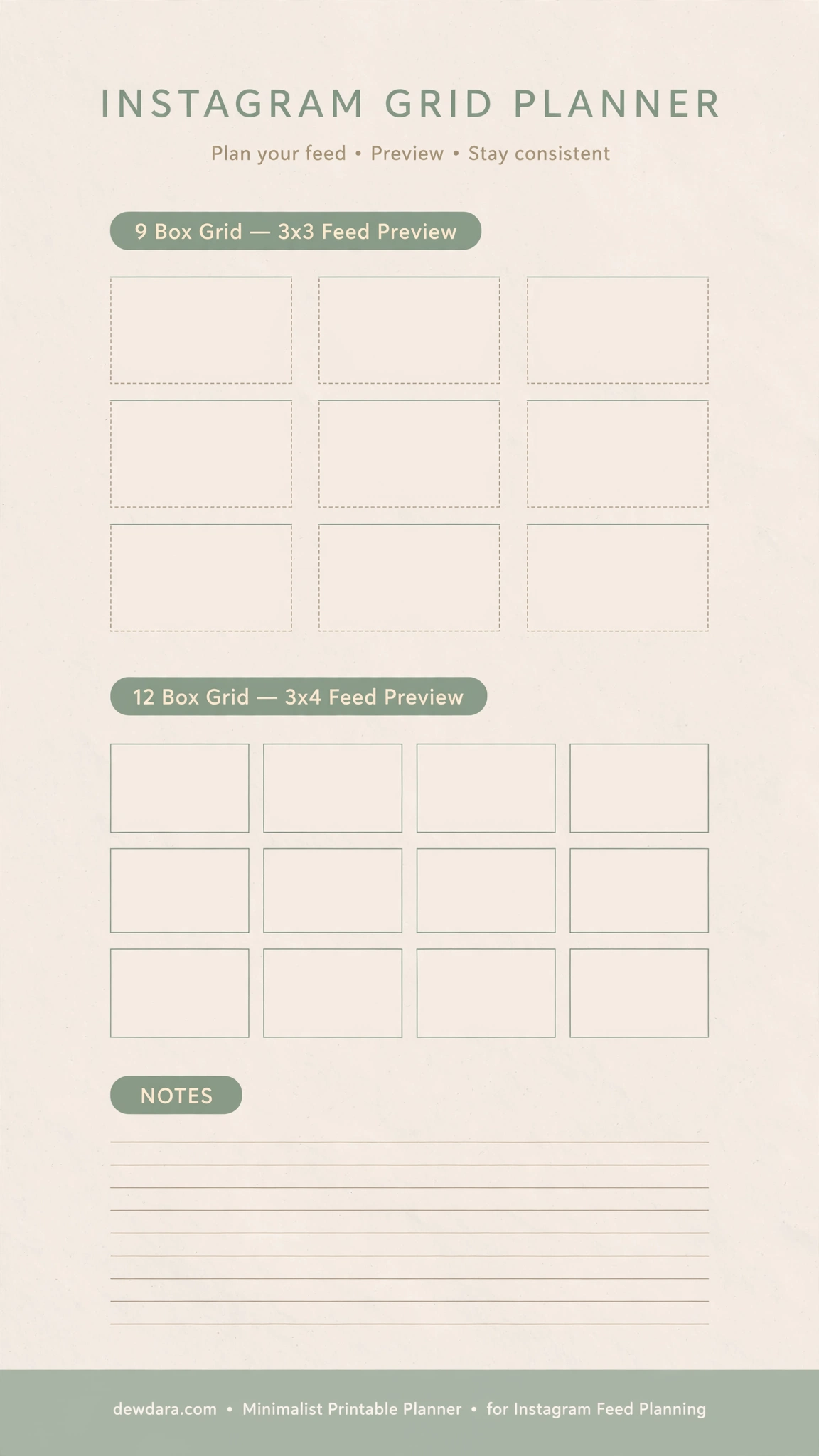
What it is: A visual layout tool to curate a cohesive, aesthetic feed.
How to use it: Sketch or describe your upcoming 9 or 12 posts in the blank boxes. This lets you check the flow of colors, topics, and post types. Use the notes section to plan covers for Reels or carousel first slides. Essential for brands and creators who care about first impressions when someone visits their profile.
5. Content Idea Bank & Brainstorm Planner
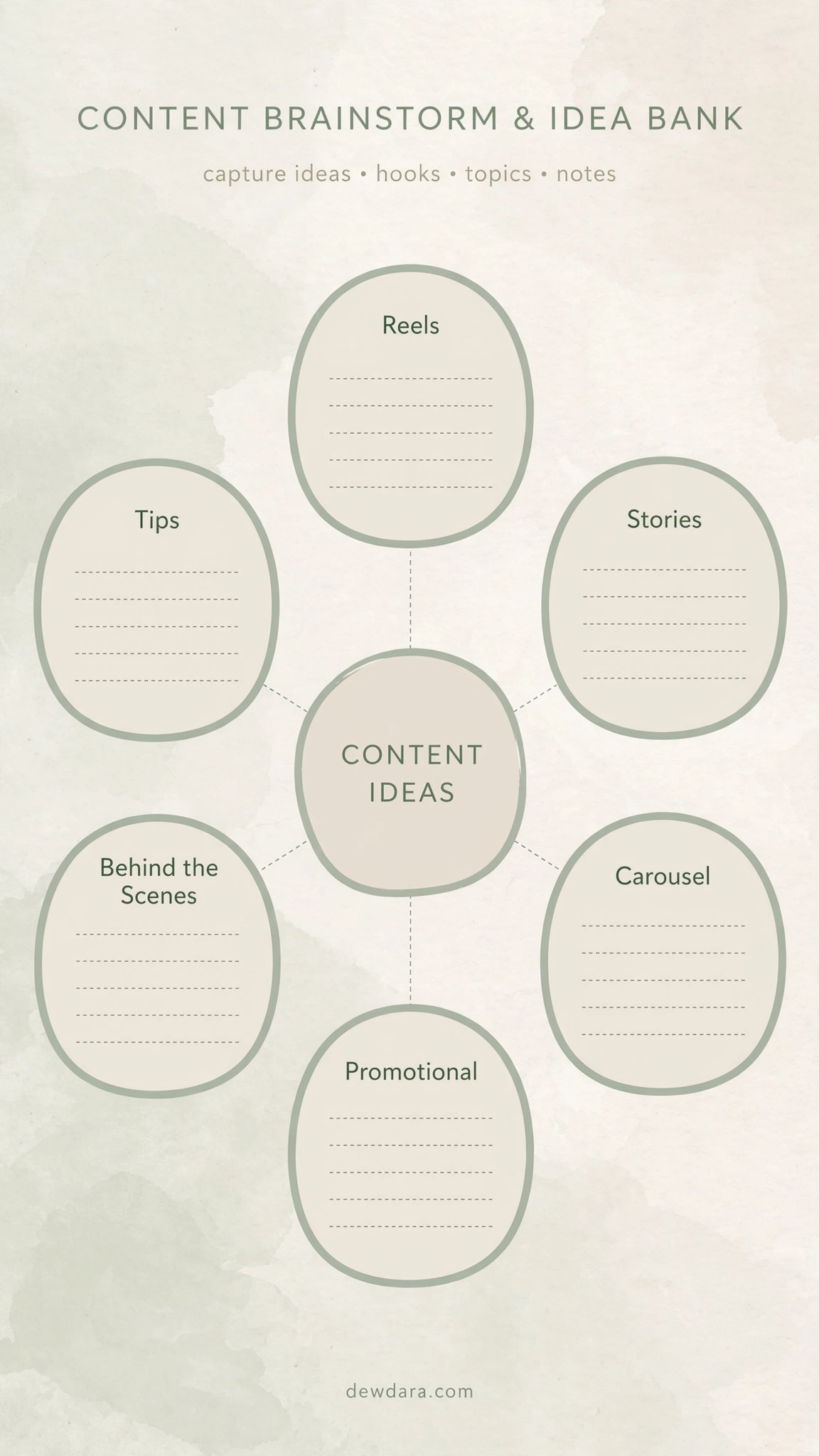
What it is: Your creative reservoir to never run out of ideas.
How to use it: Whenever inspiration strikes, dump ideas into categories: Reels, Stories, Carousel, Tips, Behind The Scenes, Promotional. This mind-map style page turns scattered thoughts into categorized content buckets. When you sit down to plan your month, you will never start from a blank page – just pull from your bank.
6. Hashtag Strategy Tracker
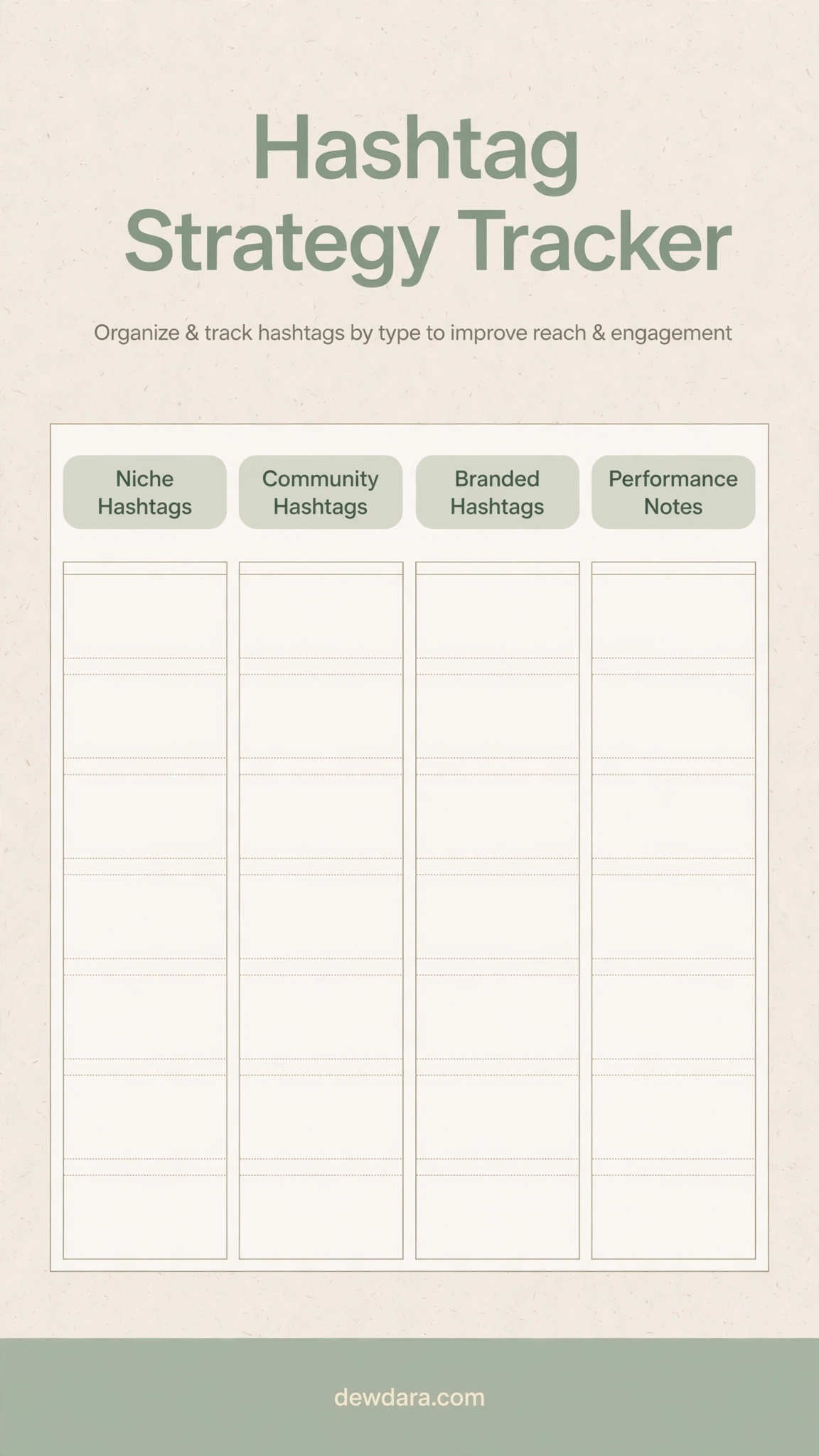
What it is: A research-driven sheet to build high-performing hashtag sets instead of using the same 30 hashtags every time.
How to use it: Organize hashtags into Niche (small, targeted), Community (mid-size, engaged), Branded (your own), and Location/Broad categories. Track their performance in the notes column. Rotate 3-5 from each column per post. This systematic approach improves reach and helps you reach the right audience, not just a bigger one.
7. Analytics & Growth Tracker
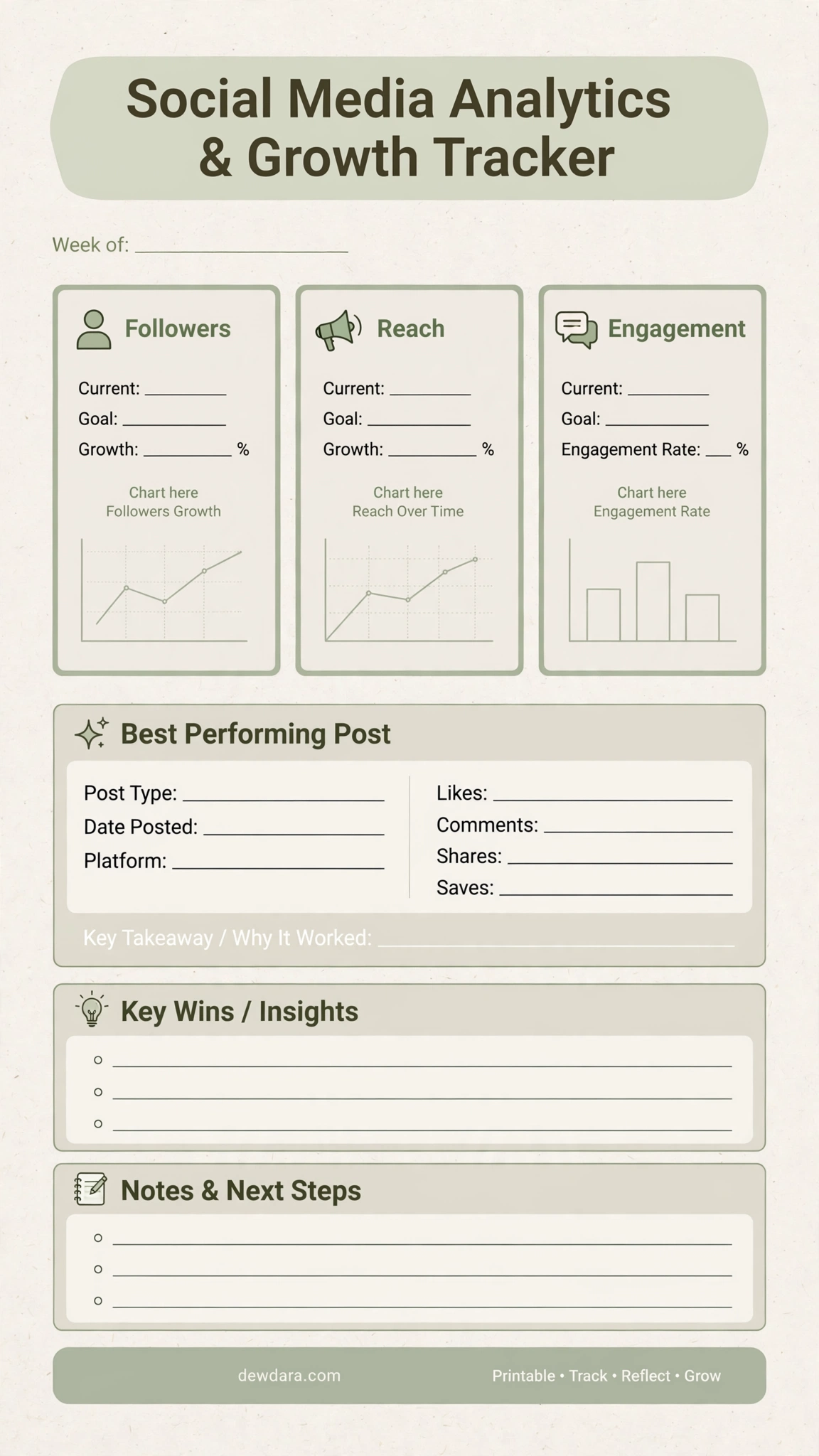
What it is: Your weekly or monthly performance review dashboard.
How to use it: Record your Current followers, Reach, Engagement, Goals, and Growth %. Use the mini-chart areas to visualize trends. Then analyze your Best Performing Post – what was the Post Type, Date, Platform, and why did it work? Finish with Key Wins and Next Steps. This turns data into decisions.
8. Caption & Copywriting Planner
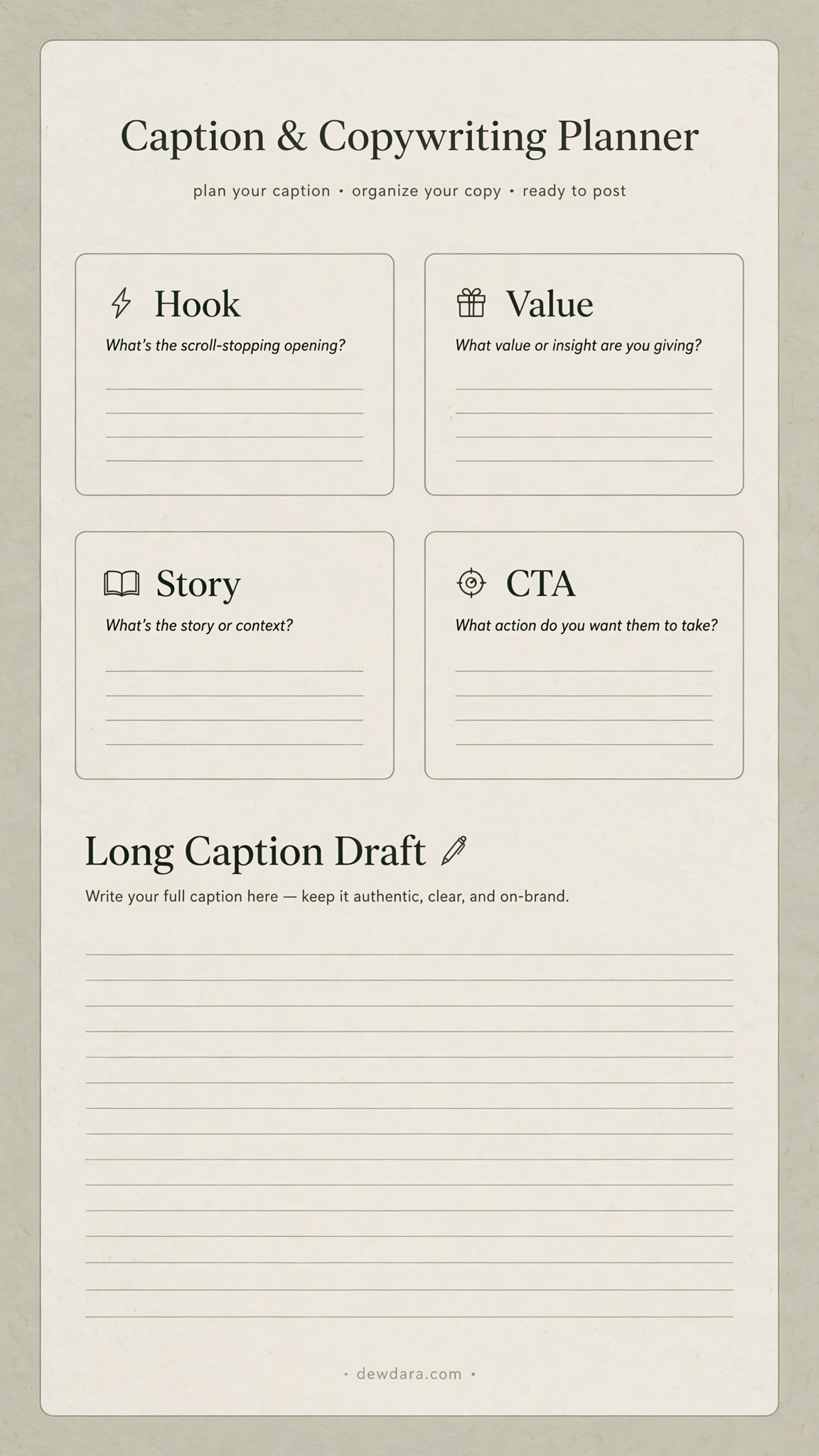
What it is: A focused writing workspace to craft captions that stop the scroll and drive action.
How to use it: Follow the proven copy framework: Hook (first line), Value (what they get), Story/Connection, and CTA (what to do next). The lined space gives you room to write without distraction. Use this to batch-write captions when you are in a creative writing flow, so your daily posting is faster.
9. Stories & Reels Storyboard Planner
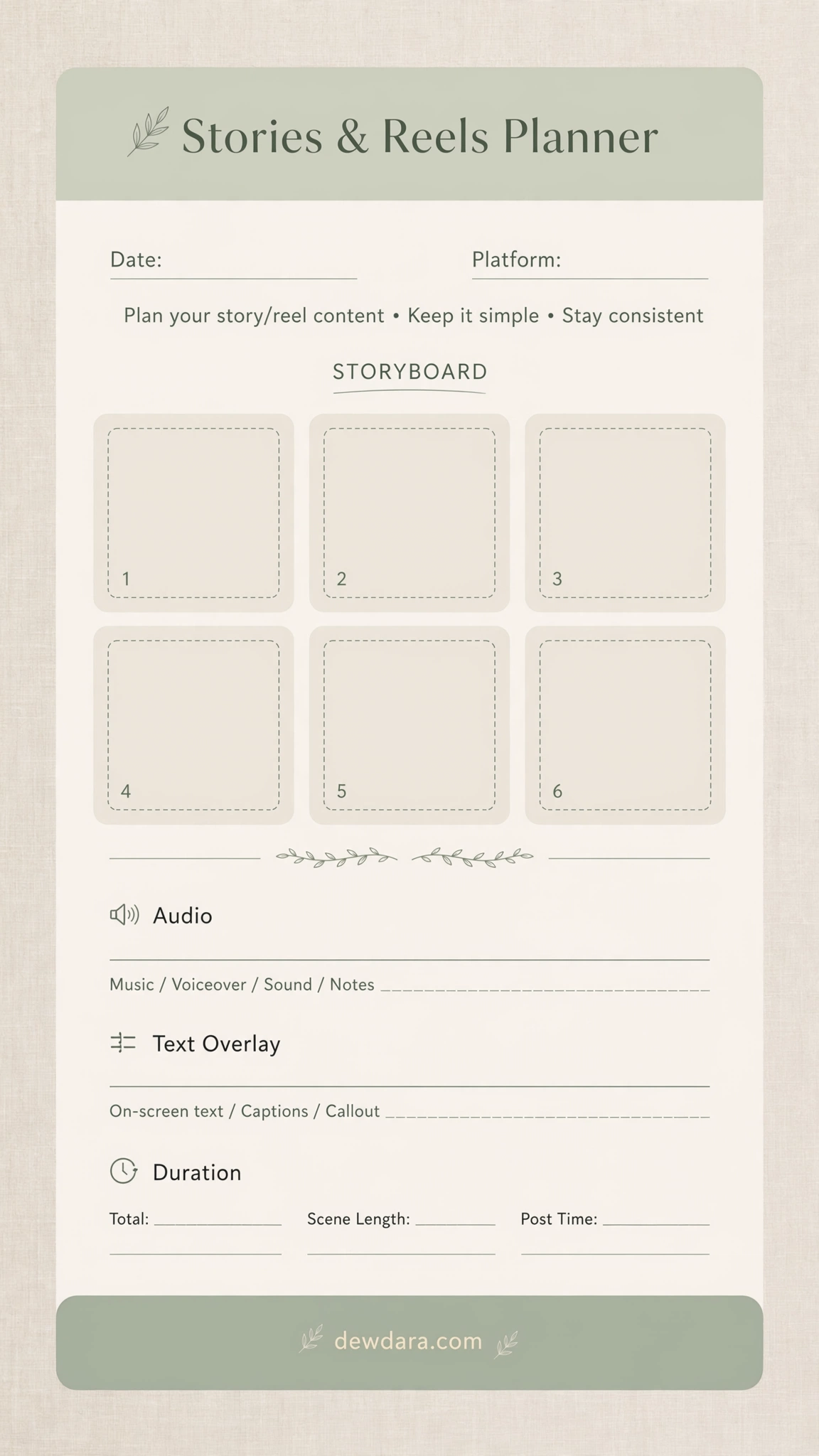
What it is: A 6-frame storyboard for planning short-form video content.
How to use it: Before you hit record, map out your Reels or Story sequence frame by frame. Add notes for Audio, Text Overlay, and Duration for each clip. This saves hours of reshooting and editing. It helps you create videos with a clear beginning, middle, and end that hold attention.
10. Monthly Campaign & Goals Planner
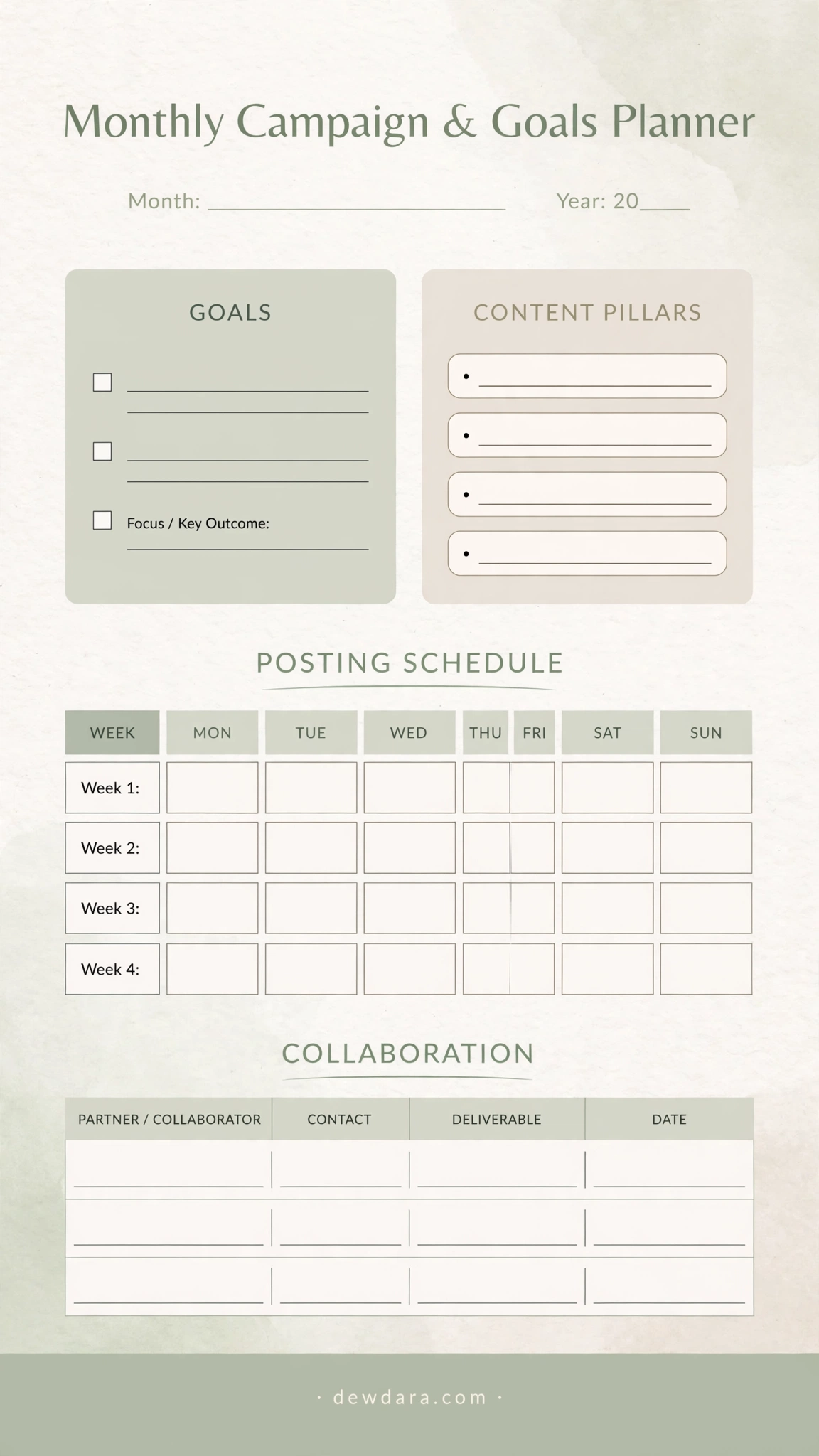
What it is: The strategic foundation that aligns your social media with your business goals.
How to use it: At the start of the month, define 3 core GOALS and your 4 CONTENT PILLARS. Then map your POSTING SCHEDULE by week, and track any COLLABORATION partners, contacts, and deliverables. This ensures every post you create ladders up to a bigger objective, whether it’s growth, sales, or community building.
Conclusion
Consistency beats perfection, and a great planner is the tool that makes consistency effortless.
Print this 10-page system, put it in a binder or clipboard, and make it part of your weekly CEO hour. Start with the Campaign & Goals Planner, flow into the Monthly Calendar, brainstorm ideas, then execute daily with the Post and Caption planners, and finally review with the Analytics Tracker.
Download, print, and start planning your most organized and intentional month of content yet – all with dewdara.com.
All files are 9:16 vertical format, high-resolution, minimalist sage & beige aesthetic, and ready for A4 / Letter / Planner printing.