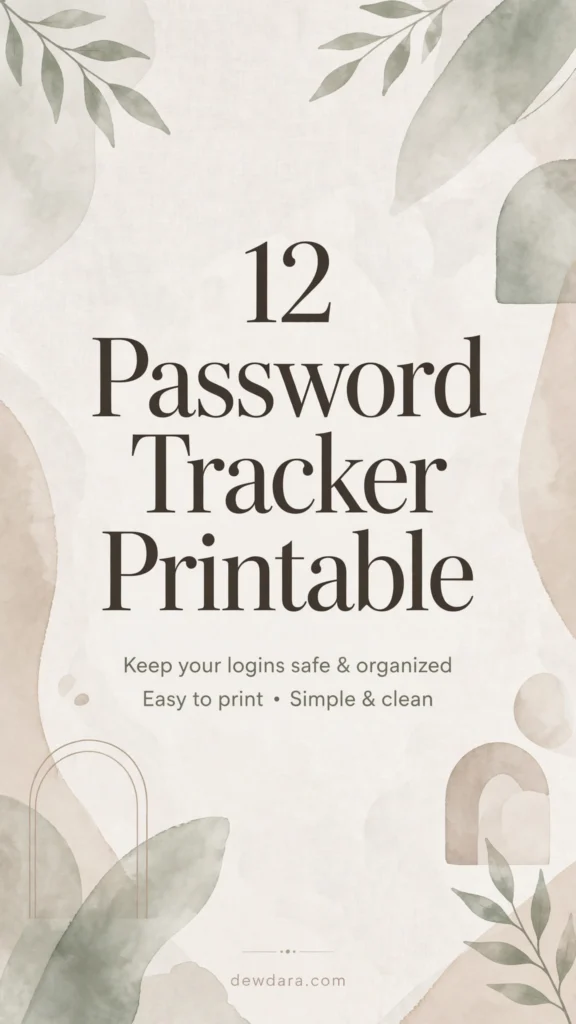
12 Password Tracker Printable Sheets to Stay Organized and Secure
In a digital world where the average person manages over 80 passwords, staying organized is no longer optional. From email and banking to shopping, social media, and work tools, it’s impossible to remember everything securely.
A printable password tracker is a simple, offline, and highly effective solution. It gives you one private place to log all your logins, without relying on an app that could be hacked or a browser that could crash. Printed and stored in a secure location like a locked drawer or home safe, it puts you back in control.
This collection includes 12 professionally designed password tracker printables, each with a different aesthetic to match your planner style. All are in vertical 9:16 format, ready to print at home, and branded with dewdara.com. All fields are left blank for you to fill by hand.
Why Use a Printable Password Tracker?
1. Total Privacy: Offline means no cloud breaches.
2. Instant Access: No master password to remember to access your passwords.
3. Better Organization: See all your accounts at a glance and spot duplicates or weak passwords.
4. Perfect for Password Resets: Track when you last changed a password.
Safety Tip: Always store your printed tracker in a secure, private place. Never photograph it or leave it on your desk. This is for personal use only.
The 12 Printable Designs
1. The Everyday Minimalist – Black & White Grid
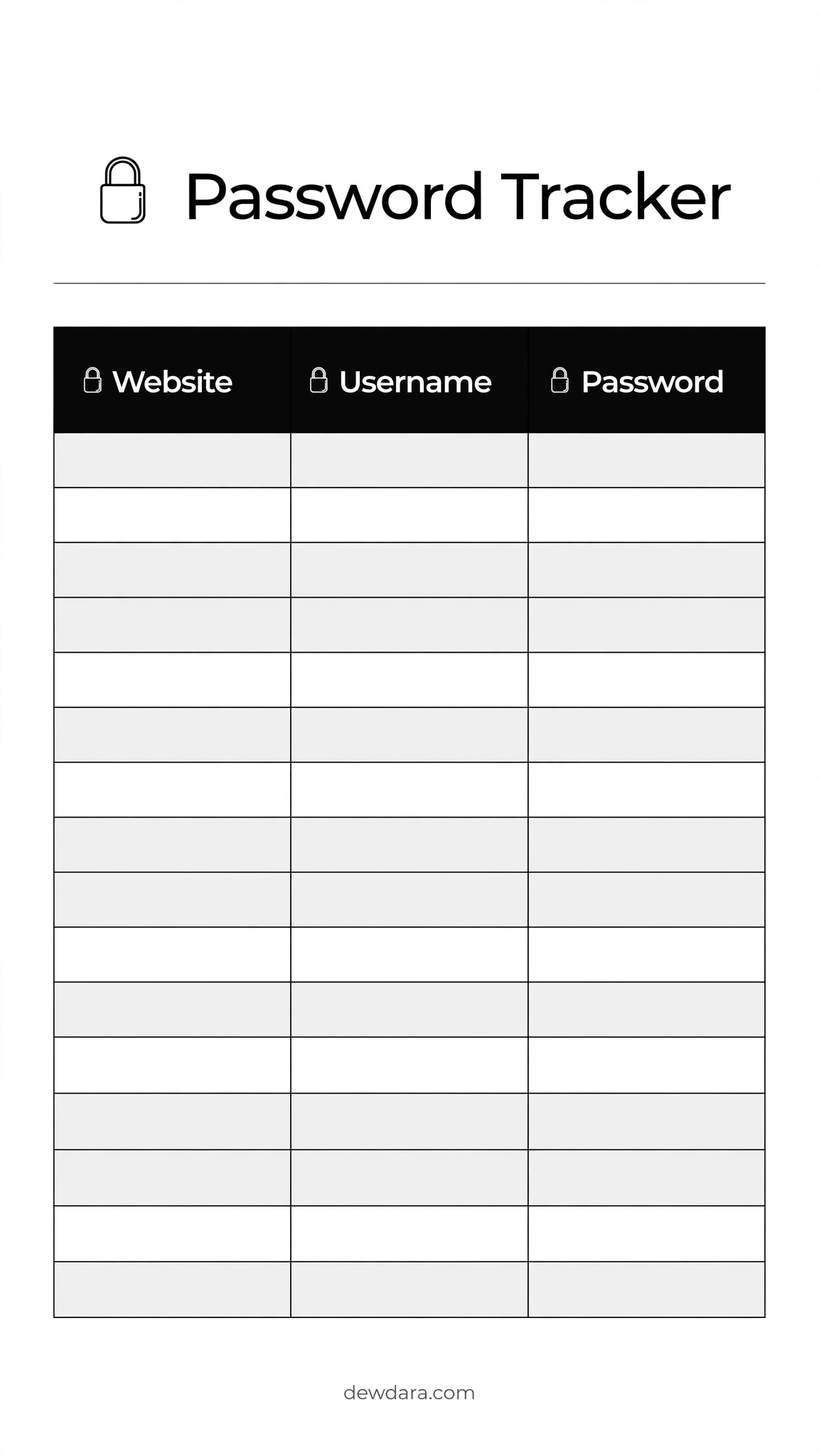
This is our most popular and functional design. It features a bold black header with three clean columns: Website, Username, and Password. The alternating light gray and white rows make it incredibly easy to read and write without losing your place. The lock icon at the top adds a subtle professional touch.
Perfect for anyone who wants zero distractions and maximum space. With 16 rows, it’s ideal for your most-used accounts. The clean layout prints beautifully in both color and black-and-white.
2. Soft Floral Watercolor
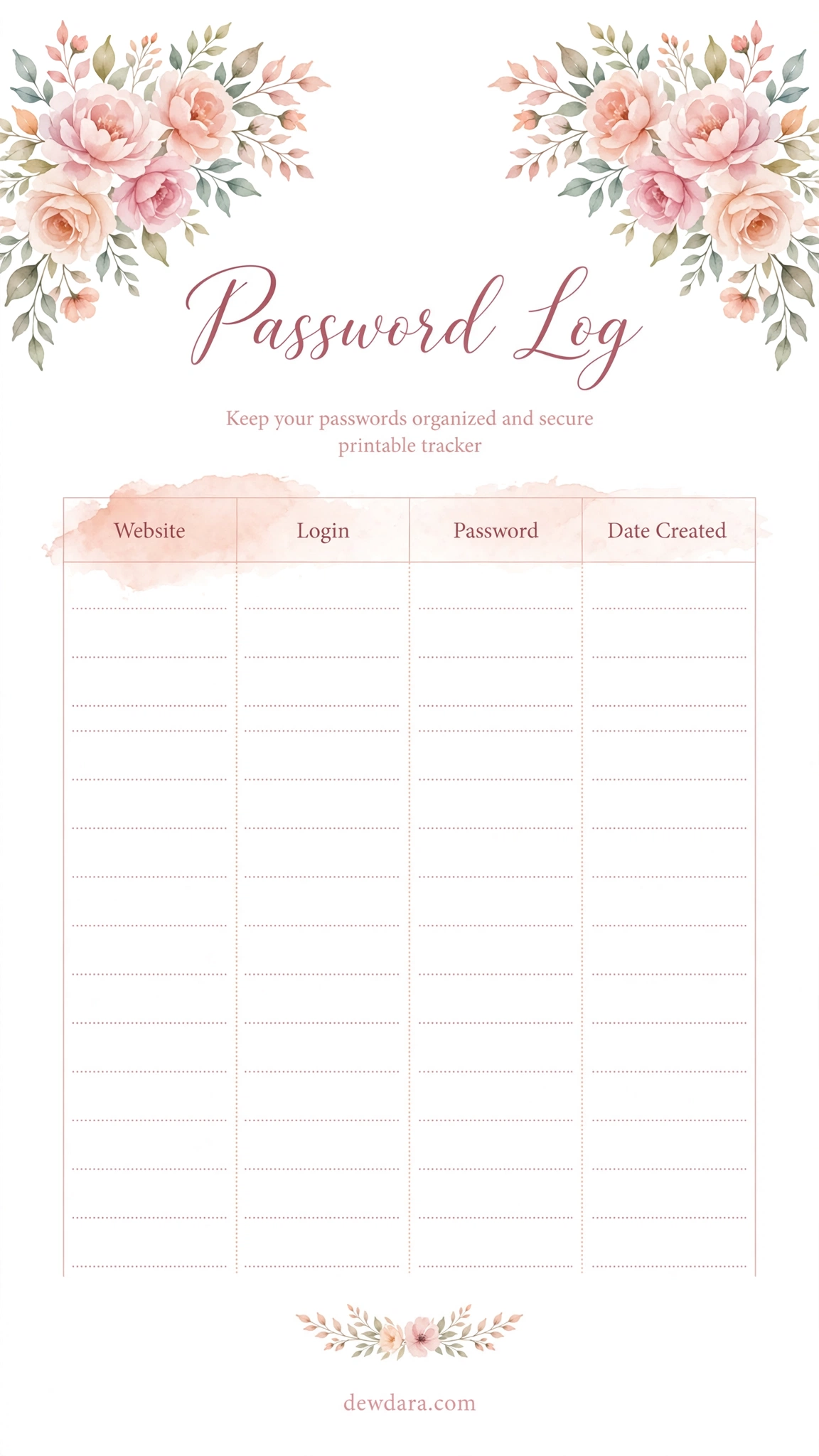
Designed for those who love a feminine, calming planner. This printable features delicate watercolor flowers in soft pink and peach tones tucked into the corners, keeping the center writing space completely clean. The title “Password Log” uses an elegant script that feels personal, not corporate.
It includes columns for Website, Login, Password, and Date Created, helping you track when an account was first made. Best printed on smooth matte paper to keep the watercolor details soft.
3. Warm Beige Aesthetic
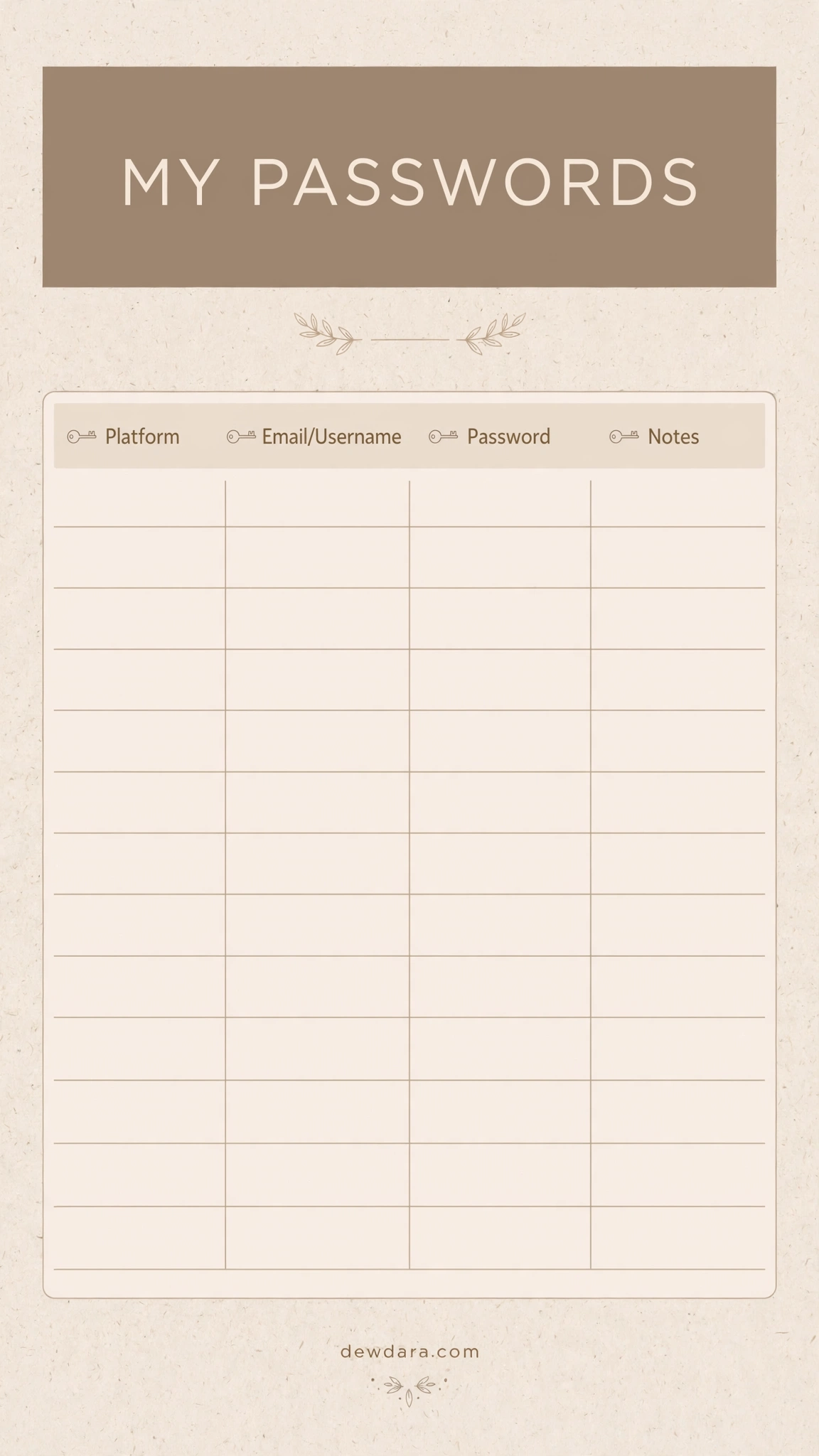
A modern, cozy neutral that matches any aesthetic planner or home office. The warm taupe header with the title “MY PASSWORDS” and small key icons creates a high-end, minimalist boho feel. The beige-lined rows are gentle on the eyes and use less ink than a solid background.
This layout balances style and function with clear sections for Platform, Email/Username, Password, and Notes. A favorite for students and work-from-home professionals.
4. Functional Checklist Style
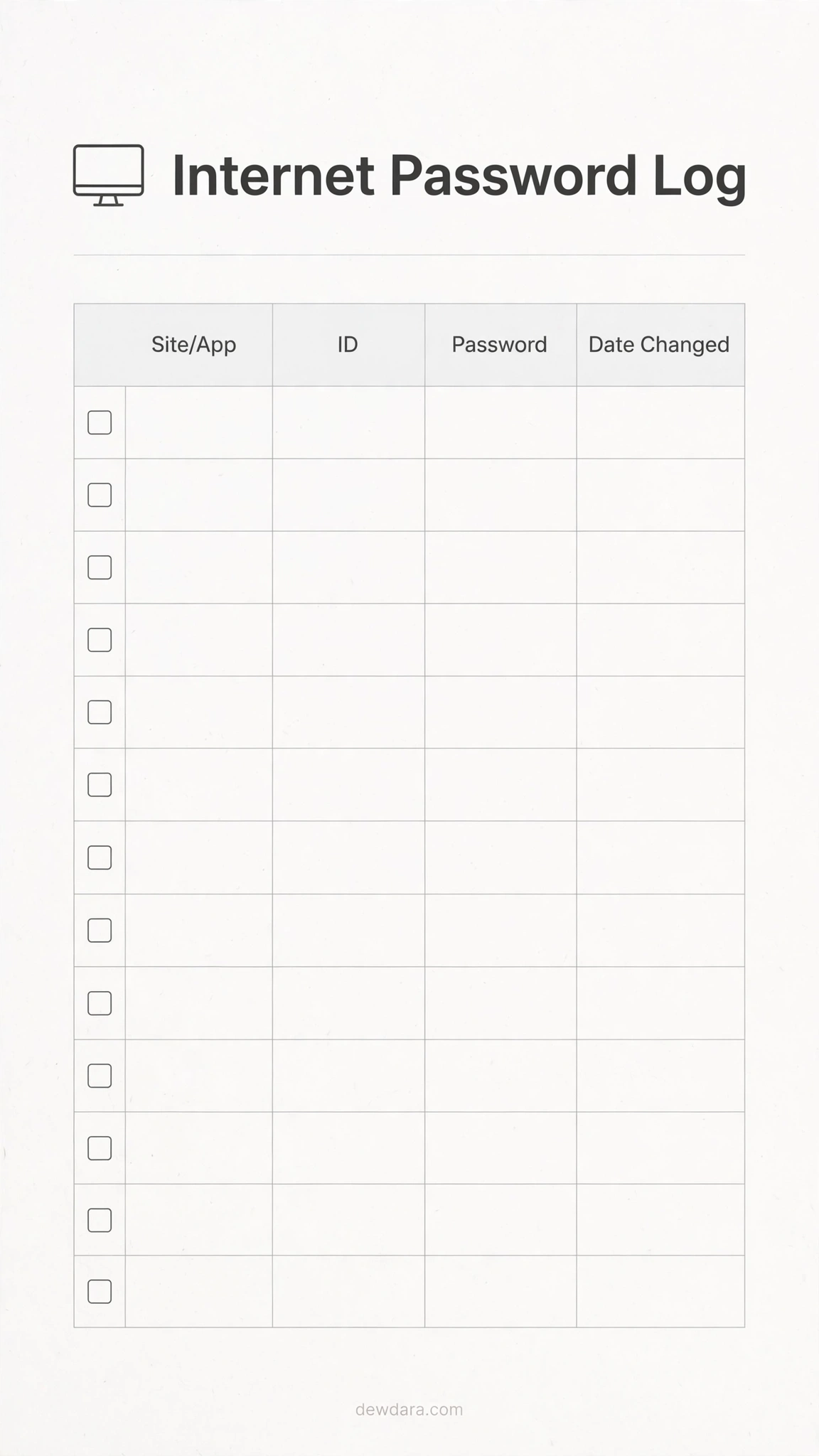
If you love checklists and order, this one is for you. This design adds a numbered list (1-14) and clean dotted lines for precise handwriting. The header “Internet Password Log” is accompanied by a small computer icon, making it clearly identifiable in your binder.
It includes a dedicated “Date Changed” column, which is essential for security hygiene. Use this to audit your passwords every 3-6 months.
5. Pastel Color Block Organizer
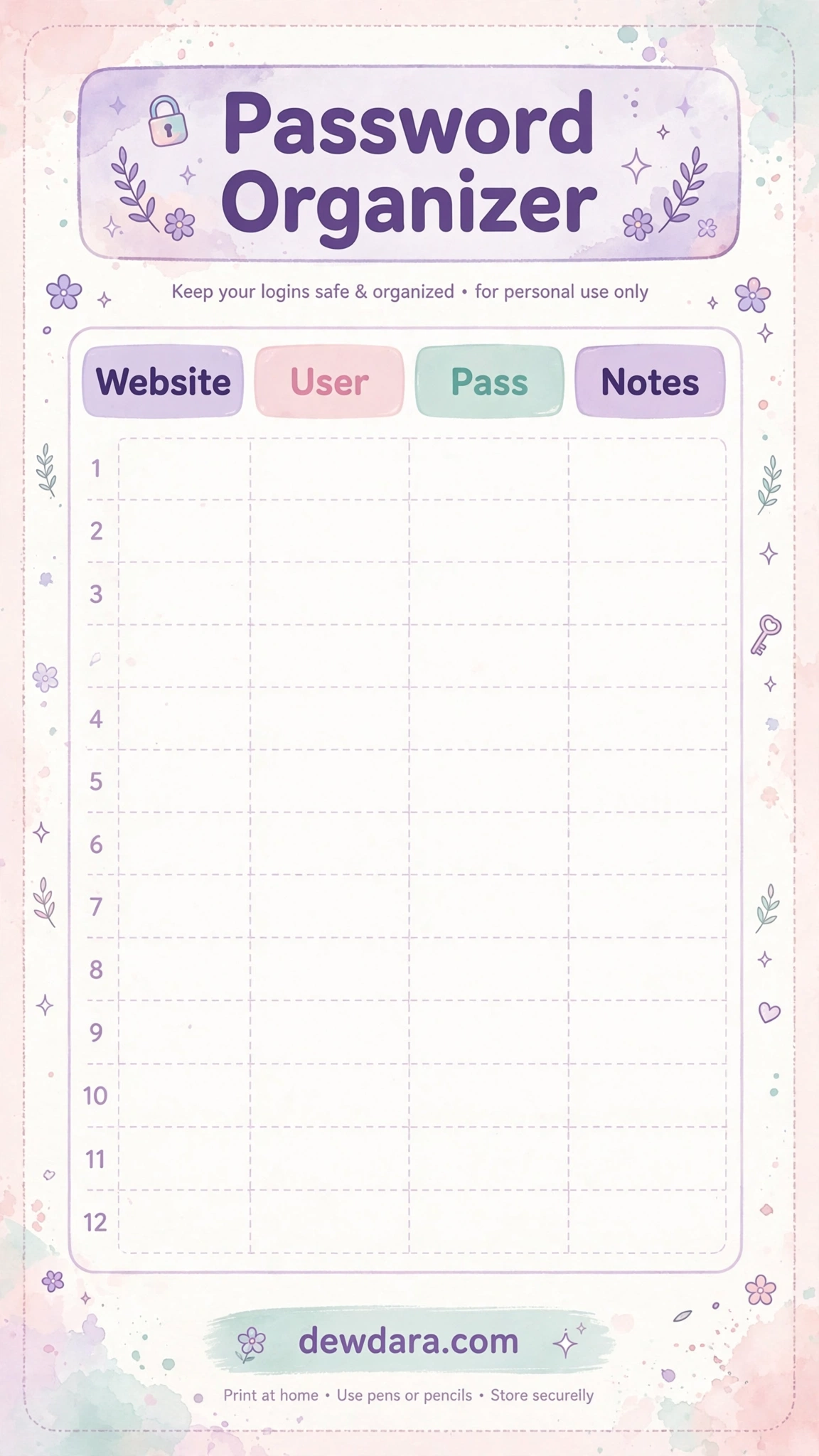
A cheerful, modern organizer that makes password management less boring. Each column header – Website, User, Pass, Notes – is in its own soft pastel block: lavender, blush pink, and mint. The rounded corners and dashed grid give it a friendly, planner-sticker vibe.
With 12 spacious rows, it encourages larger handwriting. The footer includes “dewdara.com” and helpful reminders. Perfect for visual organizers and creative planners.
6. Botanical Line Art
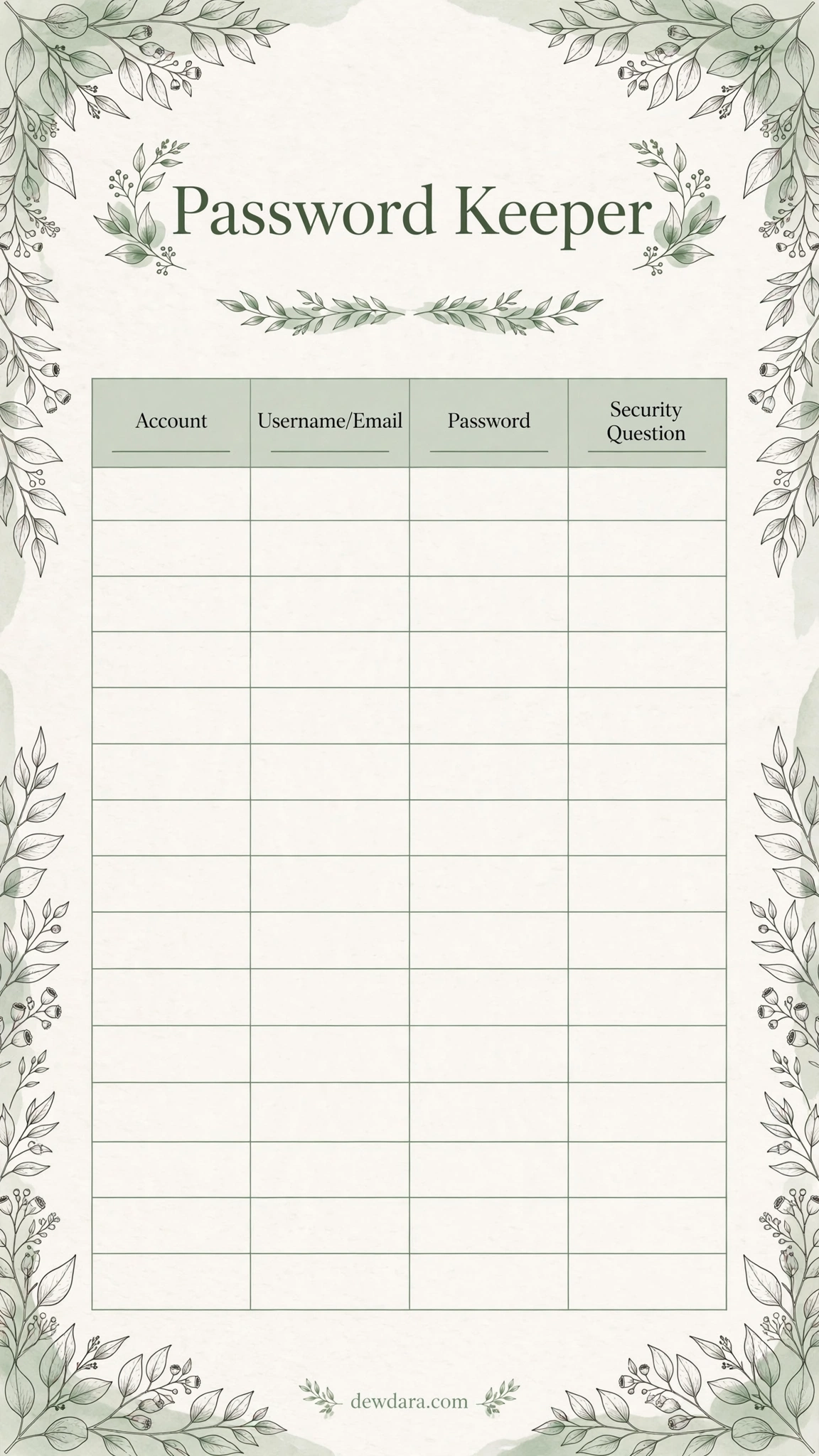
Minimal, natural, and sophisticated. This design features delicate eucalyptus line art forming a border, with sage green accents. The title “Password Keeper” is set in a refined serif font. It feels like a page from a luxury journal.
The columns include Account, Username/Email, Password, and Security Question – a thoughtful addition for those tricky recovery questions. Ideal for those who prefer a nature-inspired, calm desk setup.
7. Boho Terracotta Sunset
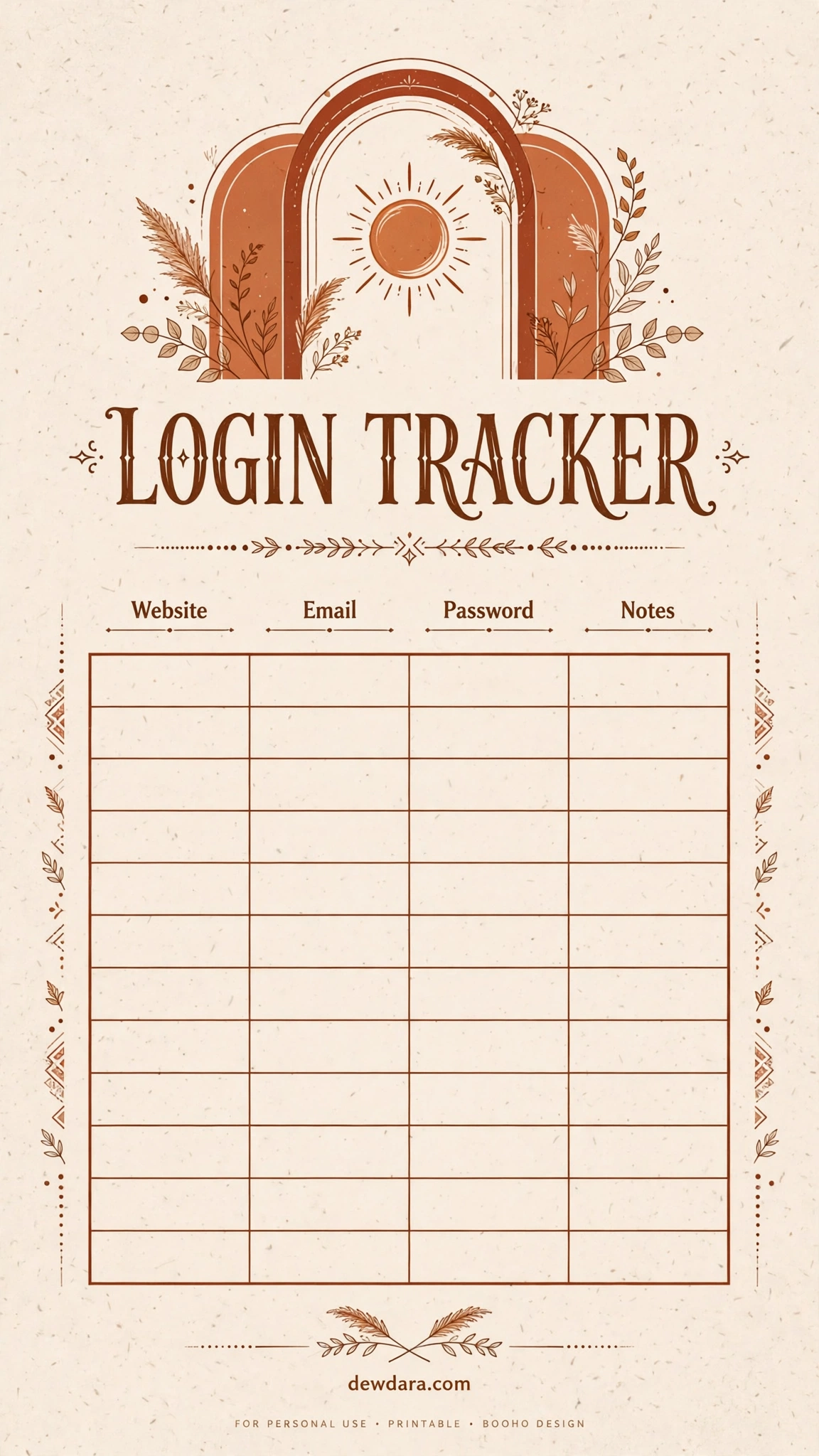
Warm, earthy, and on-trend. This boho design uses terracotta, cream, and warm brown tones with minimalist arch and sun graphics. The title “LOGIN TRACKER” is bold and modern. It stands out in your planner while remaining completely readable.
The layout is spacious with 12 rows and clear separation for Website, Email, Password, and Notes. Great for anyone with a boho, mid-century, or warm minimalist aesthetic.
8. Ultra-Clean Classic Log
The ultimate no-frills, highly legible tracker. This version focuses purely on function: bold header, thin black lines, and maximum writing space. No icons, no colors, just a perfectly structured table.
It includes 14 rows and four essential columns. This is the best choice for small handwriting, printing many copies, or slipping into a password binder sleeve. It’s also the most ink-efficient design in the collection.
9. Pink & Gold Elegant Luxury
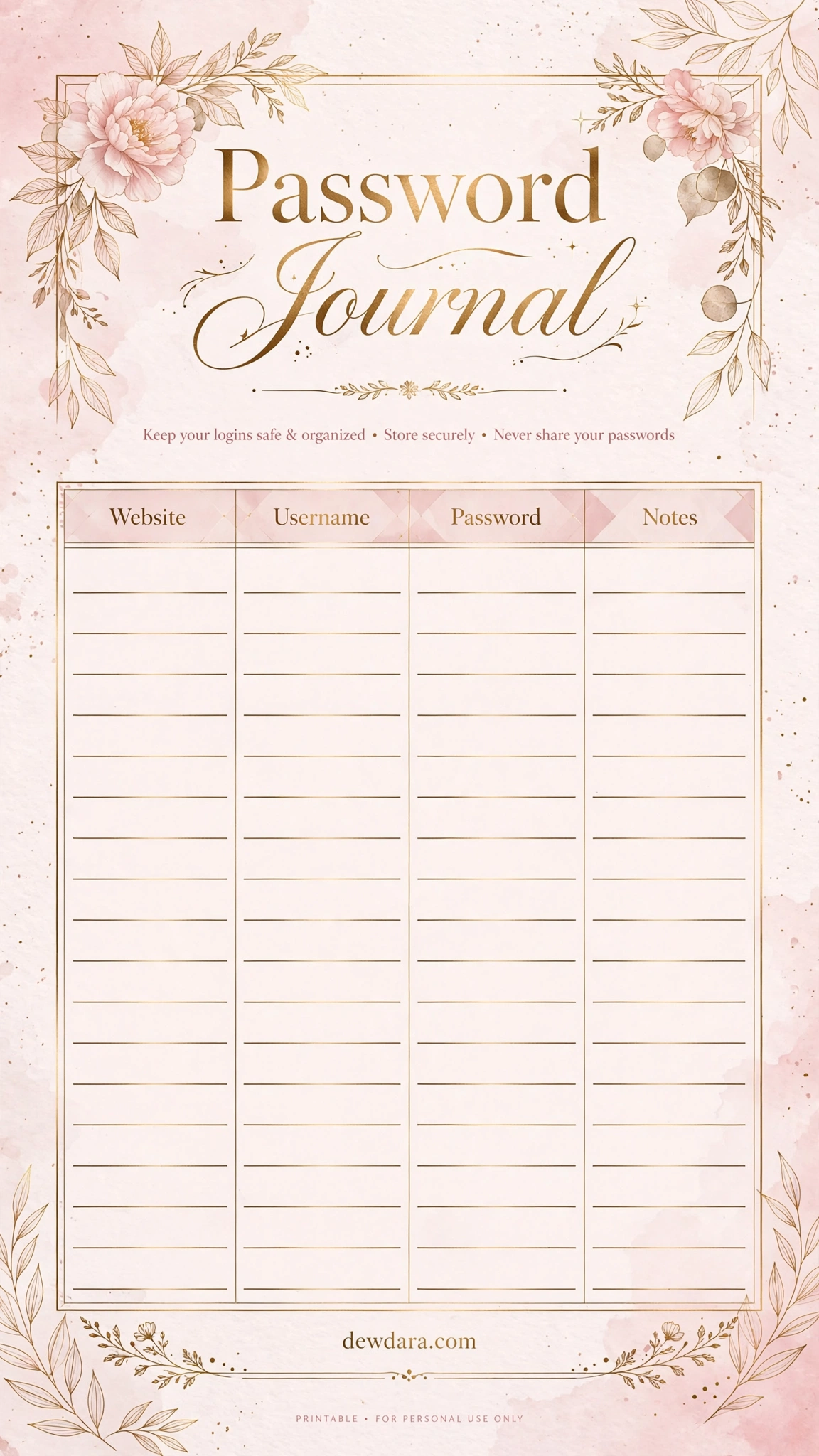
For those who want their organization tools to feel luxurious. This elegant sheet pairs soft blush pink with delicate gold foil line accents and a mix of serif and script typography for “Password Journal”. It feels premium and personal.
The gold-lined rows add a subtle touch of glamour without interfering with readability. Best for a personal keeper journal, executive planner, or as a stylish addition to a vanity desk organization system.
10. Sage Green Modern Secure
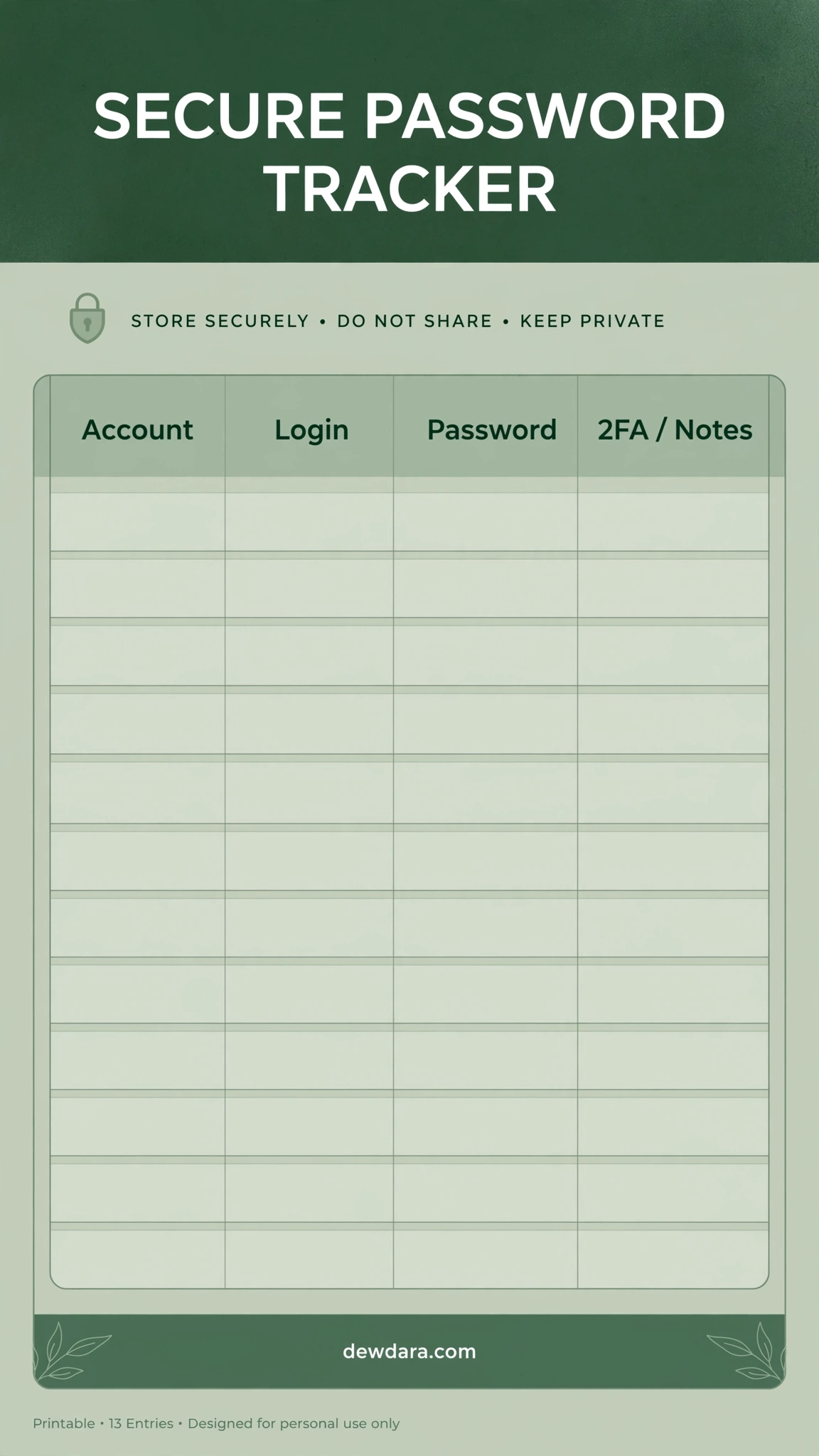
Calm, focused, and highly professional. This design uses a deep sage green banner header with white bold text that reads “SECURE PASSWORD TRACKER” – making it instantly identifiable. The green is calming and reduces visual fatigue.
It includes a unique column for “2FA / Notes” so you can log if an account uses two-factor authentication, authenticator app codes, or backup codes. A must-have for security-conscious users.
11. Vintage Typewriter Logbook
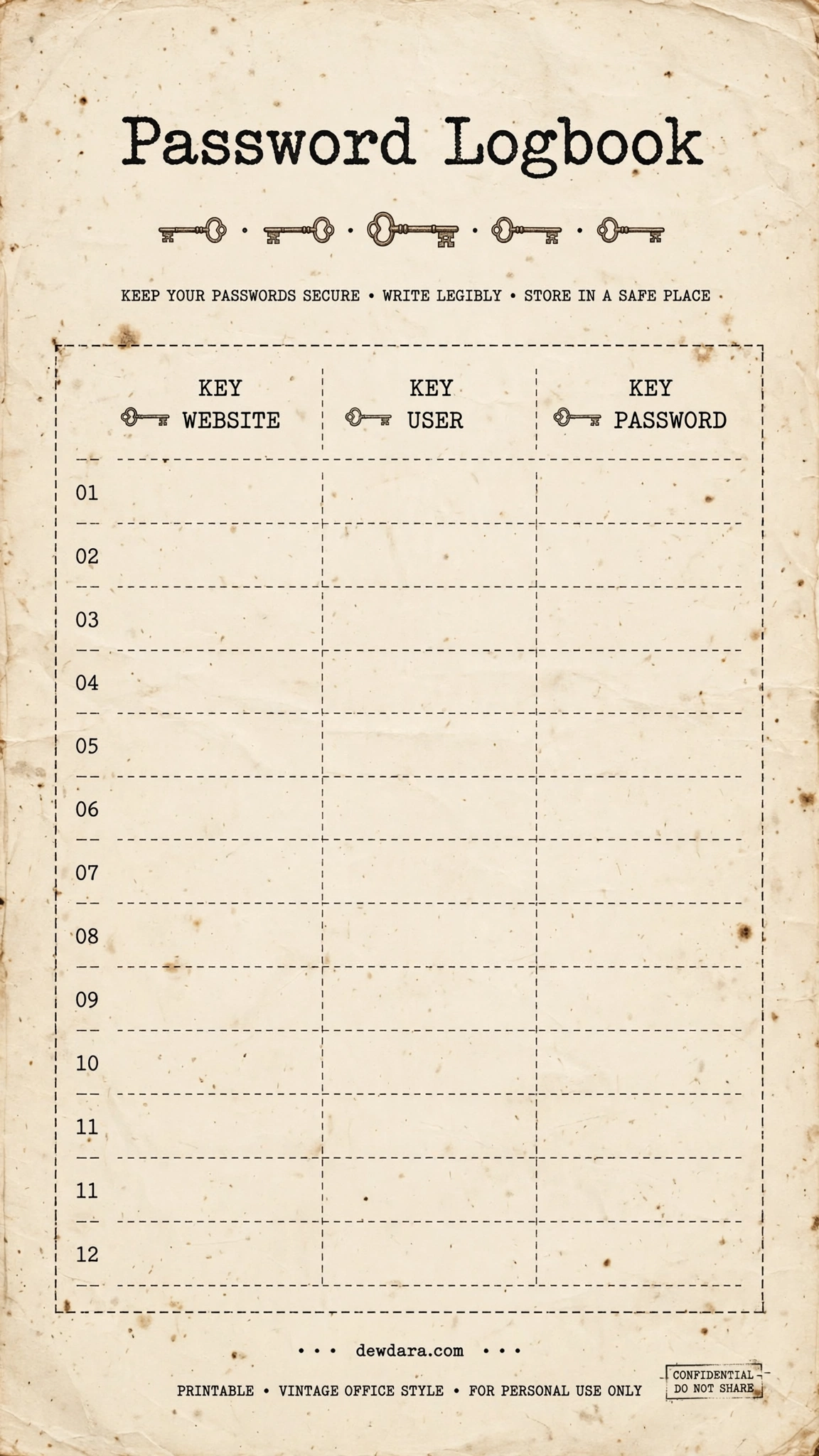
Charming and nostalgic, this design mimics aged cream paper with a vintage typewriter font. The title “Password Logbook” and small vintage key illustrations give it the feel of a confidential office file. It includes stamps like “CONFIDENTIAL – DO NOT SHARE” for added character.
The dashed grid and numbered entries (01-12) make it feel like a real logbook. Perfect for writers, vintage lovers, or anyone who wants a tracker with personality.
12. Colorful Category-Coded
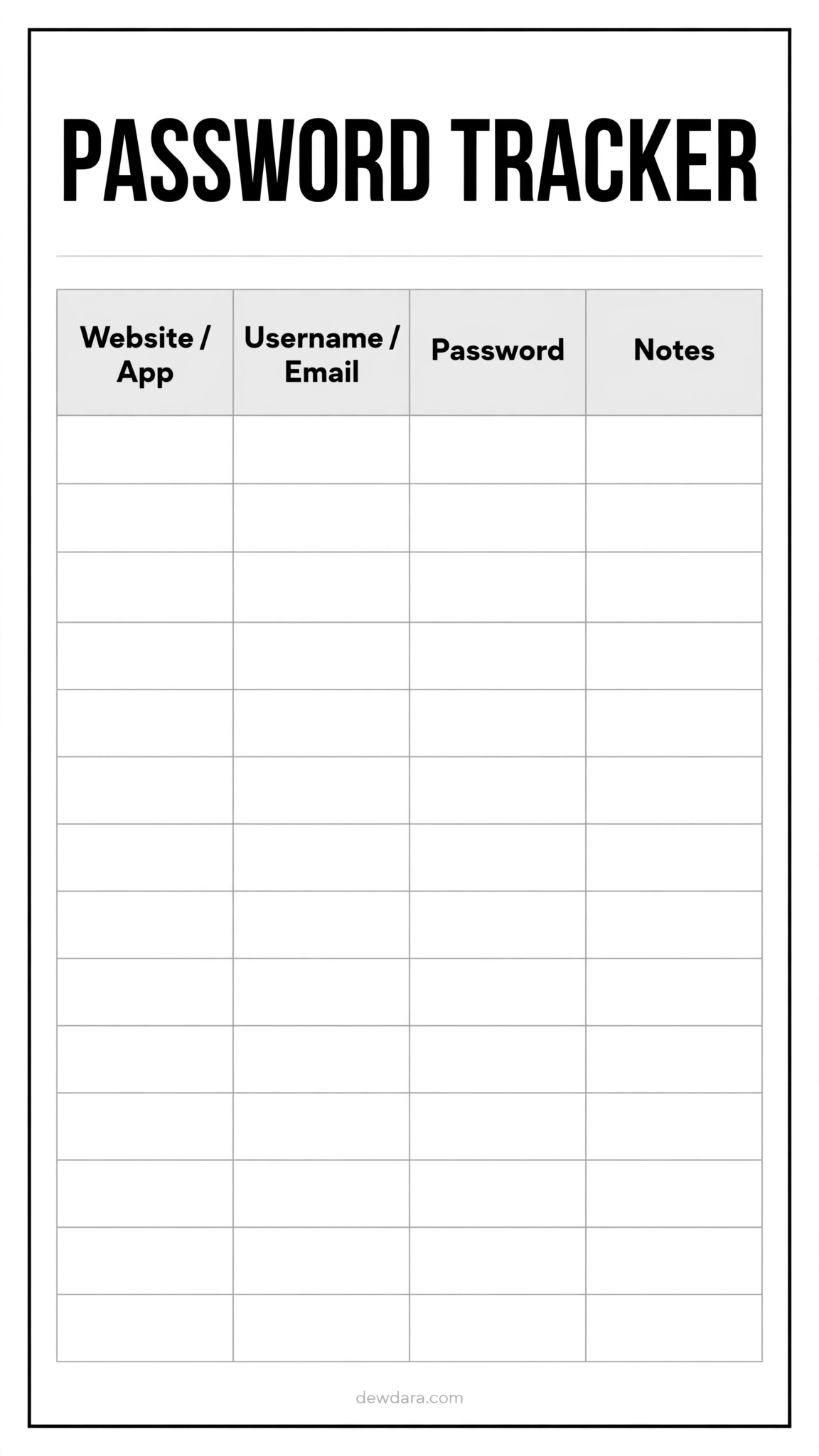
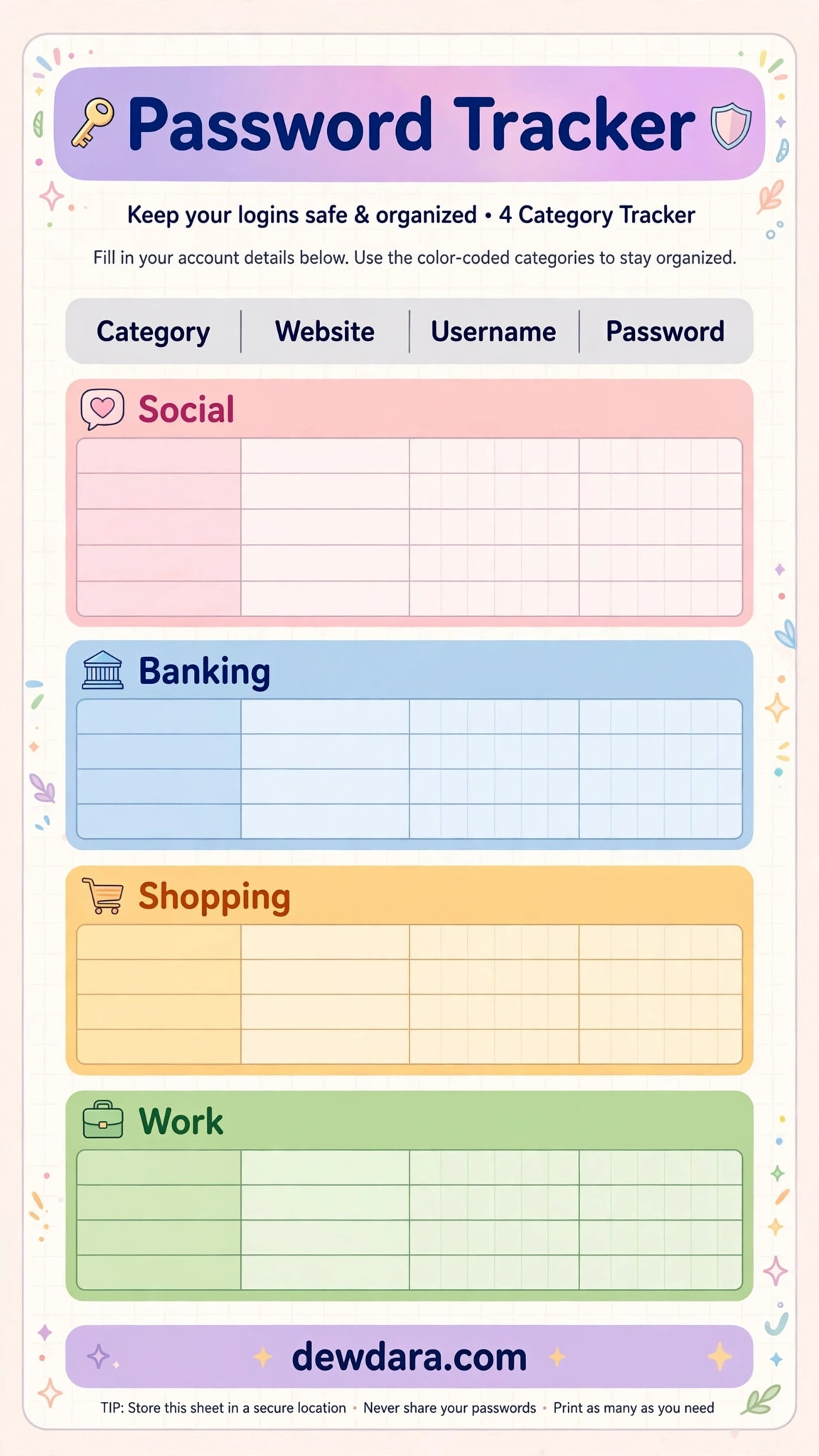
Our most organized system for power users. While this image shows the clean base layout, the full concept is designed for you to color-code by category: Social, Banking, Shopping, and Work. The pastel header blocks let you quickly scan for what you need.
With 14 rows and columns for Category, Website, Username, and Password, it solves the problem of endless scrolling. Use colored highlighters after printing to create your own category system.
Conclusion & How to Print
These 12 password tracker printables are designed to help you feel more in control, organized, and secure in your digital life. Whether you prefer the clean minimalist, the soft floral, or the bold boho, there is a style here that will make you actually want to maintain your list.
How to Use Them:
- Print on US Letter or A4 white cardstock for best durability.
- Fill out by hand with a fine-tip black pen.
- Store in a locked drawer, fireproof safe, or a binder that stays at home.
- Update the “Date Changed” column whenever you reset a password.
All designs are 9:16 vertical format, optimized for modern planners, binders, and Pinterest boards, and include the discreet branding “dewdara.com” at the footer.
Download your favorites, print a few copies, and create your own secure offline password vault today.