Why Time Blocking Changes Everything
Time blocking is the simple art of assigning every hour of your day a job. Instead of keeping a never-ending to-do list, you decide when you will do each task. This method, used by CEOs, students, and creatives, eliminates decision fatigue, protects deep work, and makes overwhelm visible.
These 15 printable planners are designed to give you structure without rigidity. All are blank so you can customize them, minimalist for clean printing, and formatted in 9:16 vertical – perfect for Pinterest, Stories, and mobile printing. Print your favorites from dewdara.com and start building your ideal day.
1. Daily Minimal Time Blocking Planner
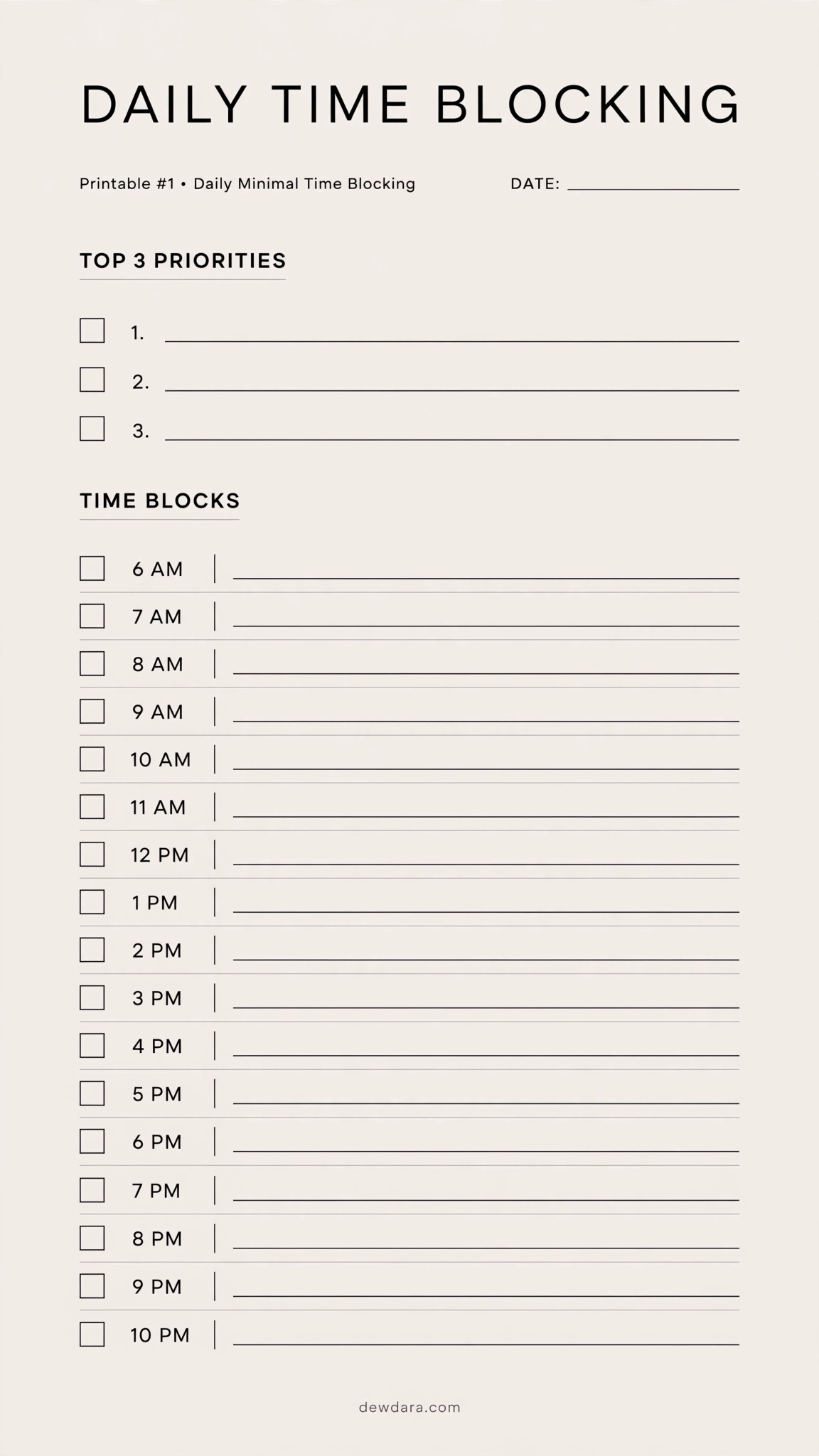
What it is: The purest form of time blocking. A clean 6 AM to 10 PM timeline with space for your Top 3 Priorities.
Who it’s for: Beginners and minimalists who want clarity without clutter.
How to use: The night before, write your 3 non-negotiable tasks. Then assign each task to a specific hour block. Leave white space for breaks.
Pro Tip: Don’t fill 100%. Leave 2 empty blocks for unexpected tasks – this is how you stay consistent.
2. Hourly Detailed Time Blocking (30-Min Intervals)
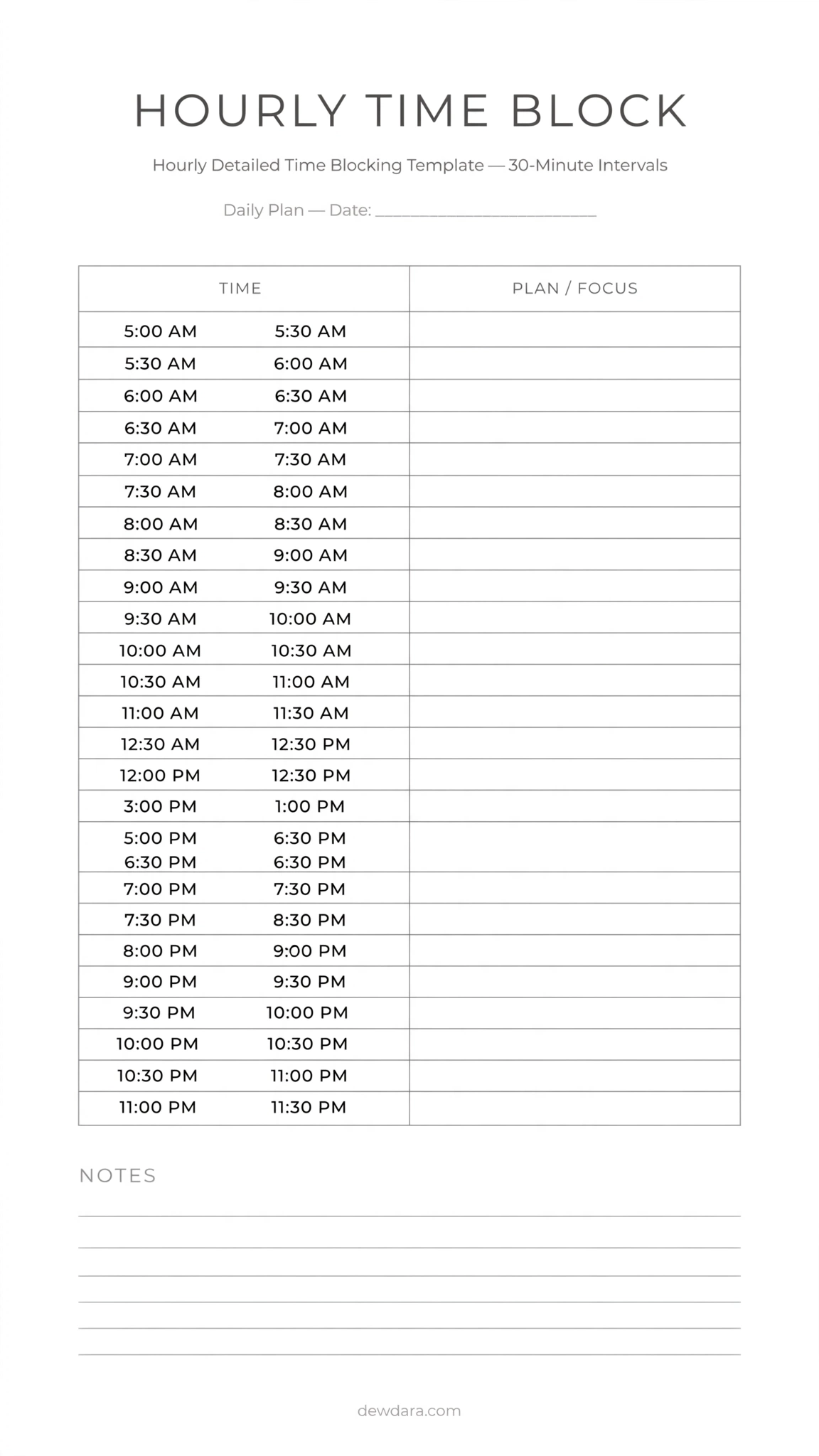
What it is: A precision planner from 5 AM to 11 PM with 30-minute slots.
Who it’s for: People with tight schedules, freelancers, and anyone who underestimates how long tasks take.
How to use: Break every project into 30-minute chunks. Batch similar tasks like emails or calls into one block.
Pro Tip: Color the block after you complete it – you get a visual dopamine hit and see where time actually went.
3. Color-Coded Time Blocking Planner
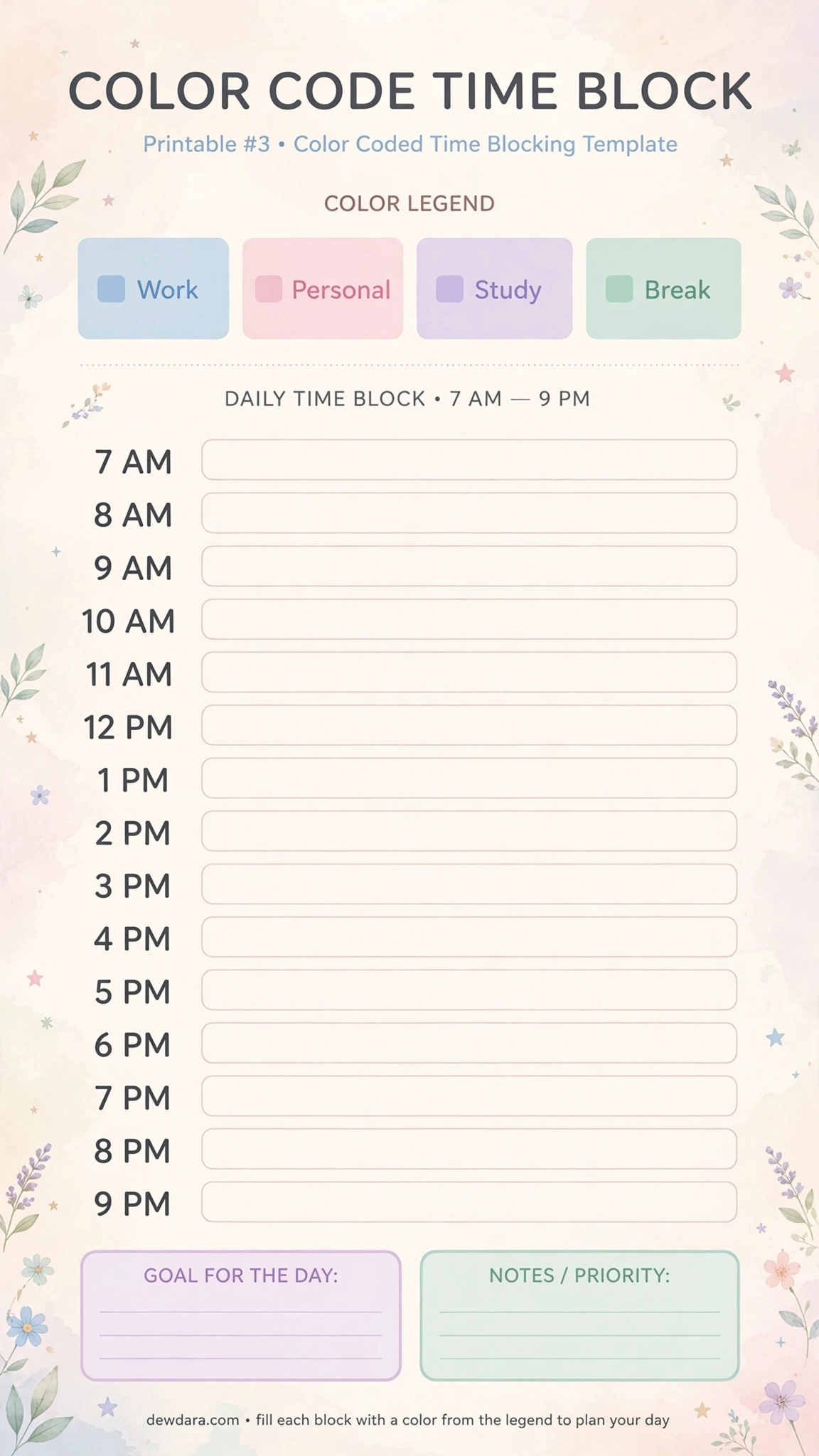
What it is: An hourly timeline with a built-in legend for Work / Personal / Study / Break.
Who it’s for: Visual planners and those struggling with work-life boundaries.
How to use: Assign one pastel color per category. At a glance, if your day is all one color, you know it’s unbalanced.
Pro Tip: Keep the same color system across all 15 planners for instant brain recognition.
4. Weekly Time Blocking Overview
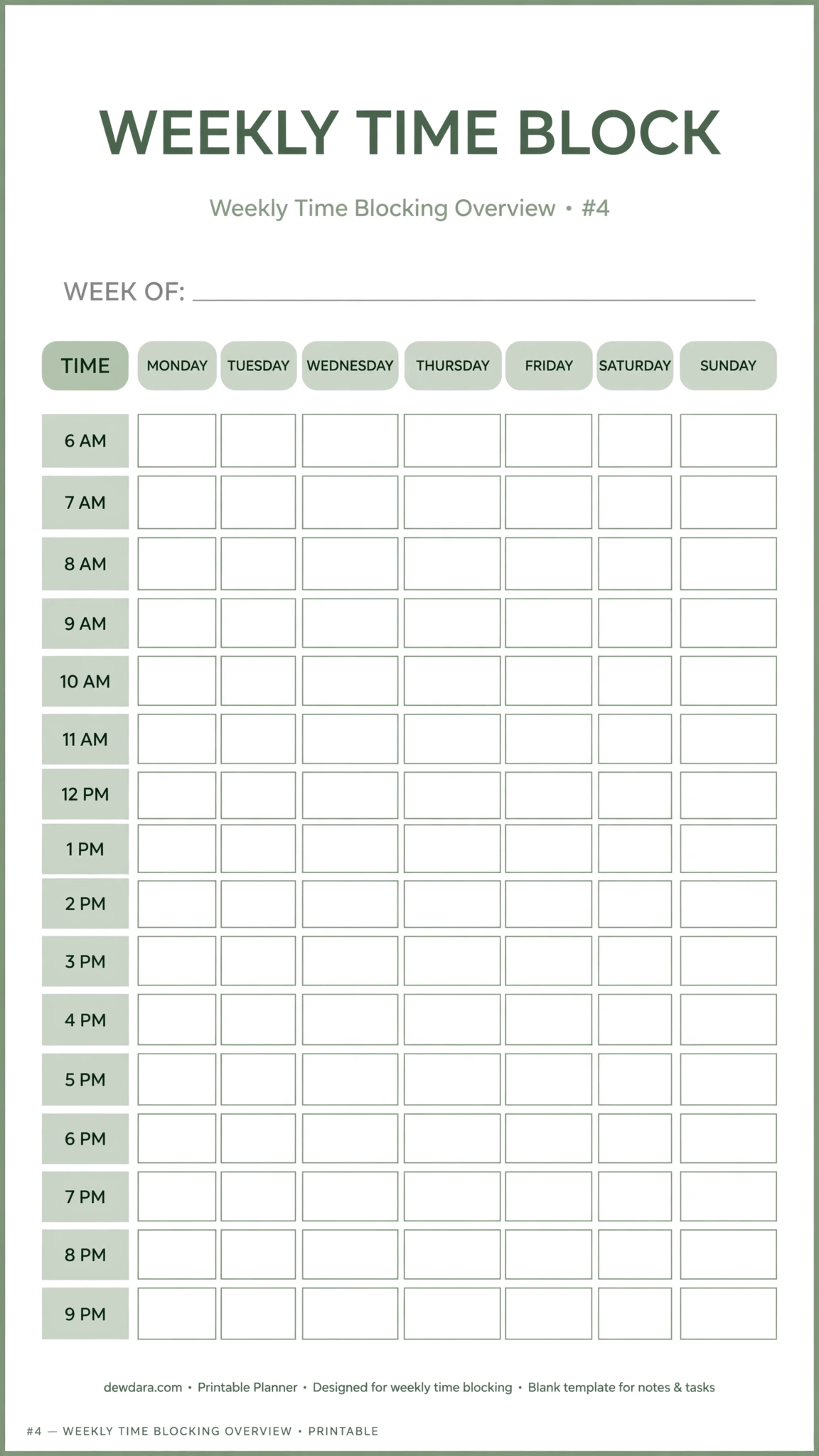
What it is: A Monday to Sunday horizontal view with hourly rows.
Who it’s for: Weekly planners who want to see patterns before the week starts.
How to use: On Sunday, map recurring blocks first like workouts, classes, meetings, then fill in deep work around them.
Pro Tip: Theme your days: e.g., Monday = Admin, Tuesday = Creation. This reduces context switching.
5. Work & Life Balance Time Blocker
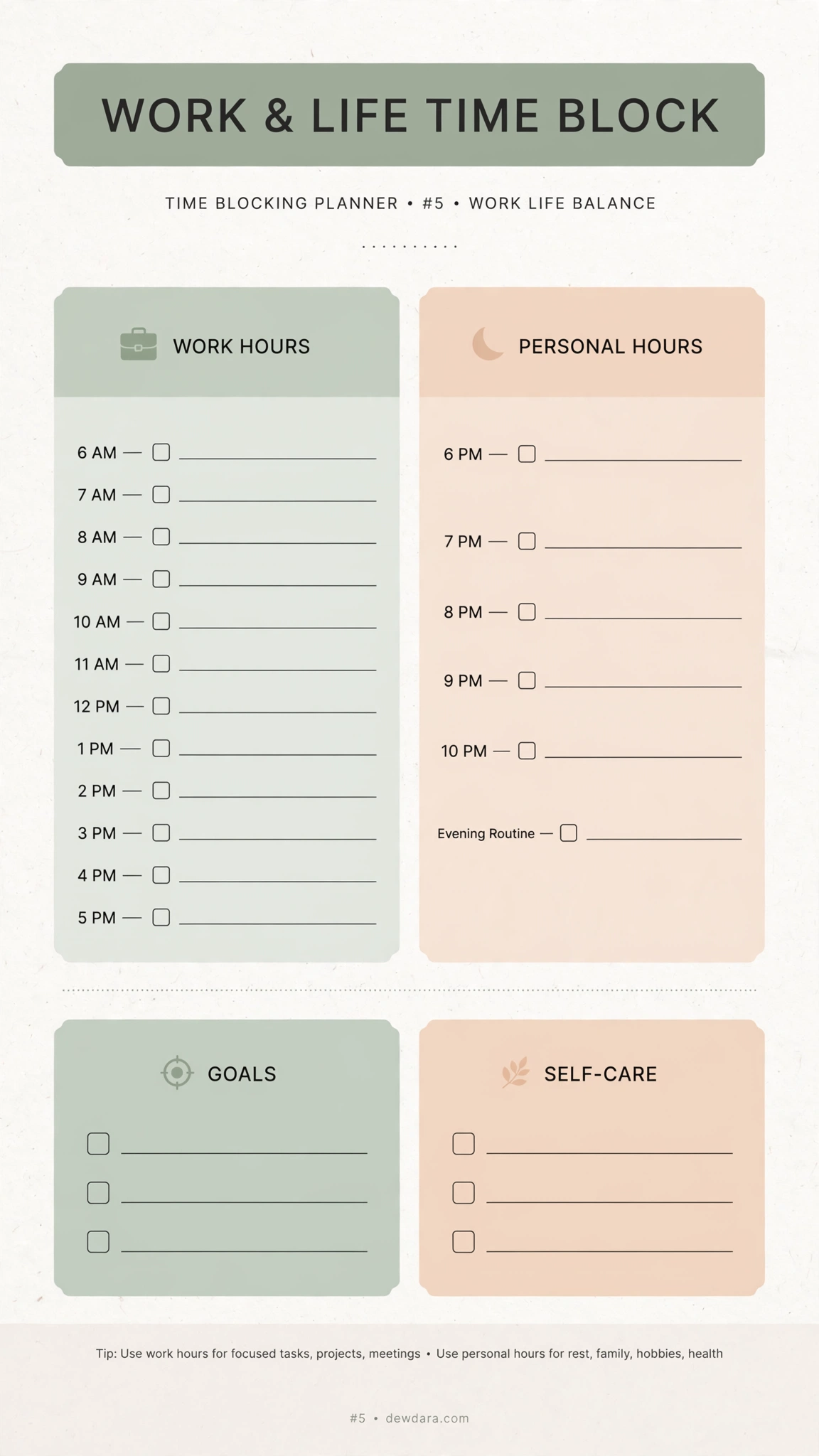
What it is: A dual-focus planner with dedicated zones for professional goals and personal well-being.
Who it’s for: Professionals and parents balancing ambition and rest.
How to use: Schedule self-care and family time with the same seriousness as work meetings. If it’s not blocked, it doesn’t happen.
Pro Tip: Add your energy level next to each block for one week to find your golden hours.
6. Student Time Blocking Planner
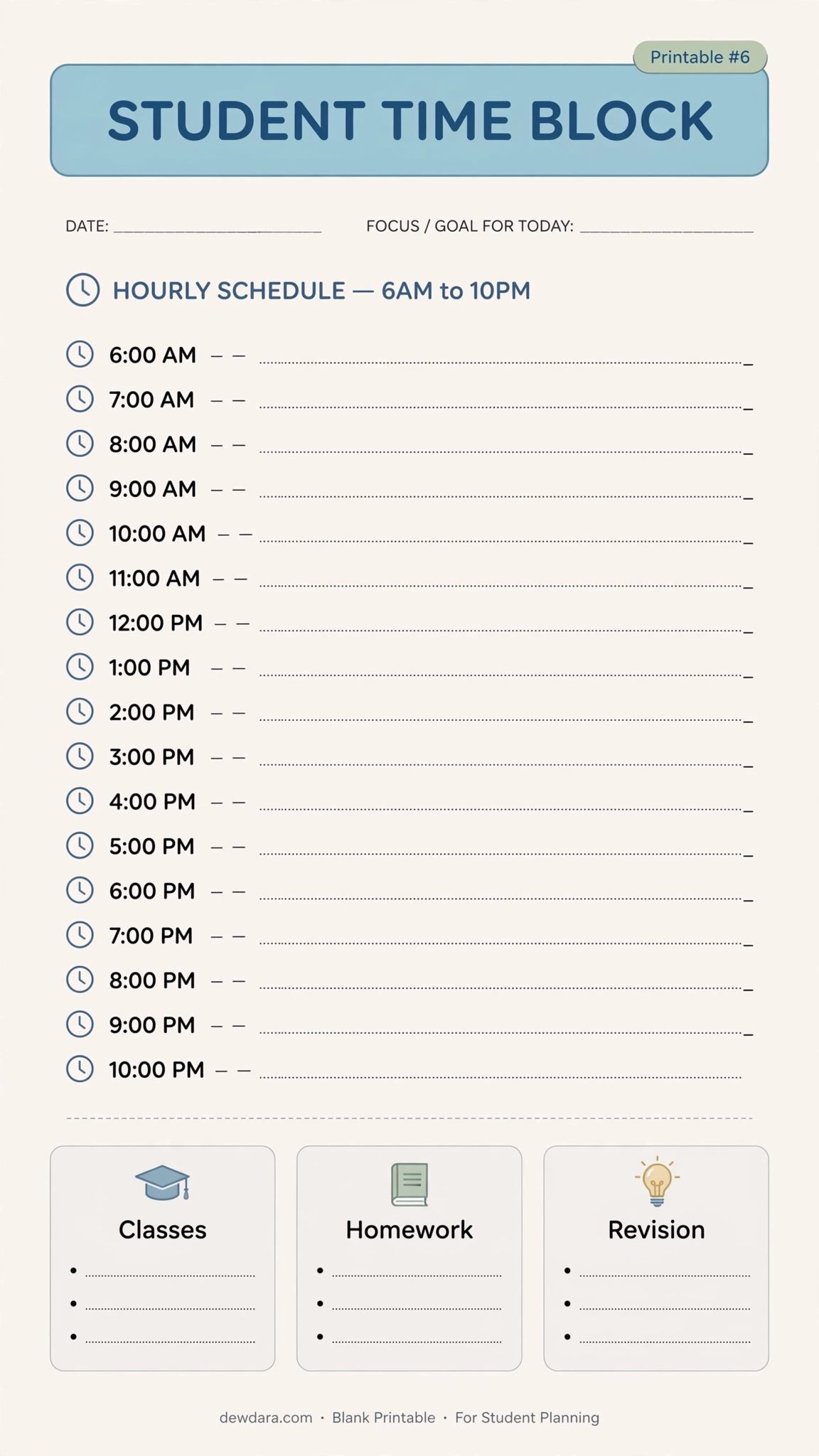
What it is: Designed for academic life with sections for Classes, Homework, and Revision from 6 AM to 10 PM.
Who it’s for: High school and university students.
How to use: Block your class schedule first, then assign revision blocks within 24 hours of each class for maximum retention.
Pro Tip: Use the 2:1 rule – 2 hours of study for every 1 hour of lecture in your blocks.
7. Pomodoro Time Blocking Planner
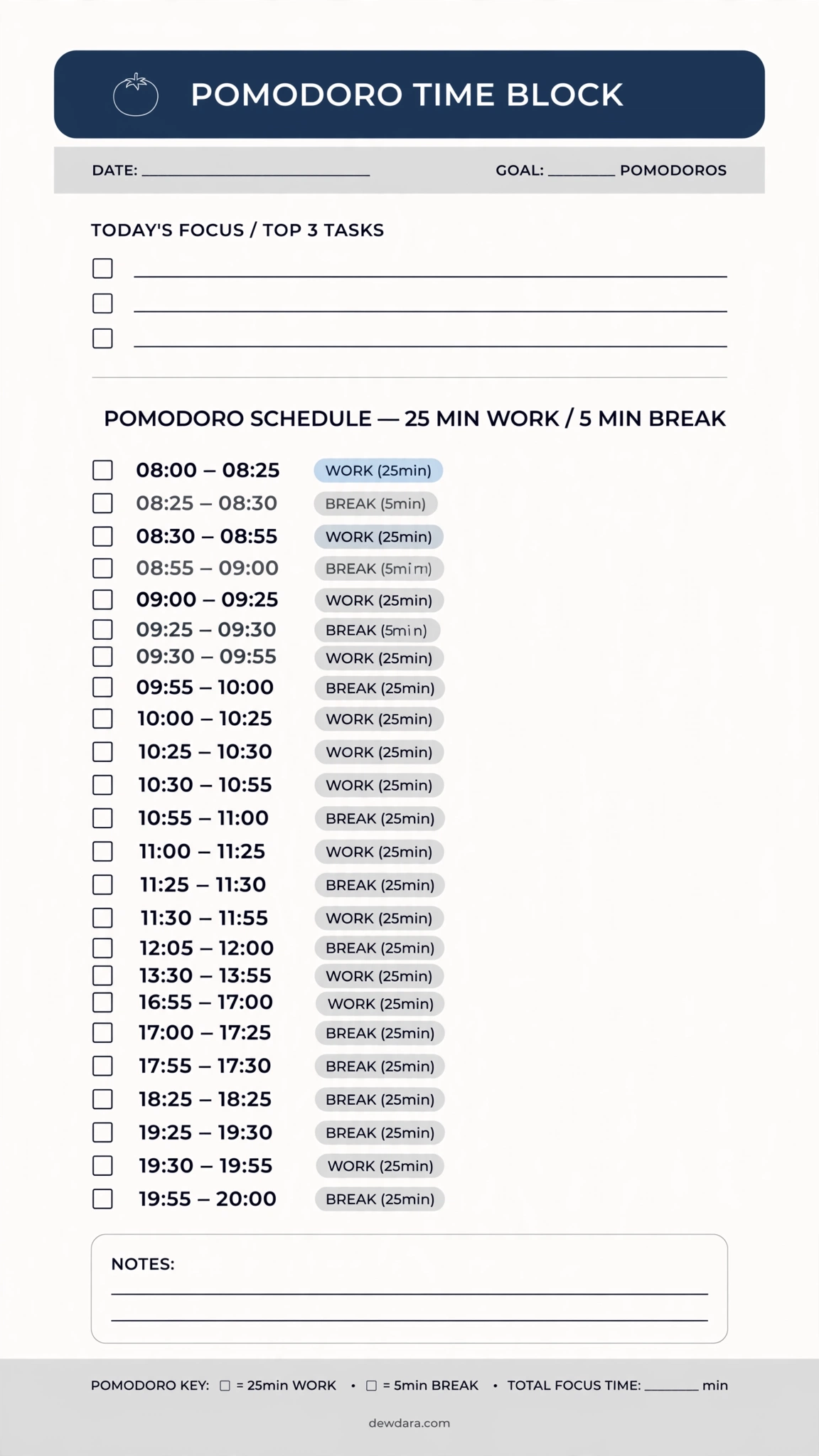
What it is: Combines time blocking with the Pomodoro technique: 25 min work / 5 min break sessions inside your hourly timeline.
Who it’s for: Anyone who struggles with focus, ADHD, or procrastination.
How to use: Assign one task per 4-pomodoro cluster. After 4, take a 20-minute longer break.
Pro Tip: Write the exact distraction that pulled you away in the break box – awareness kills distraction.
8. Priority-Based Time Blocking
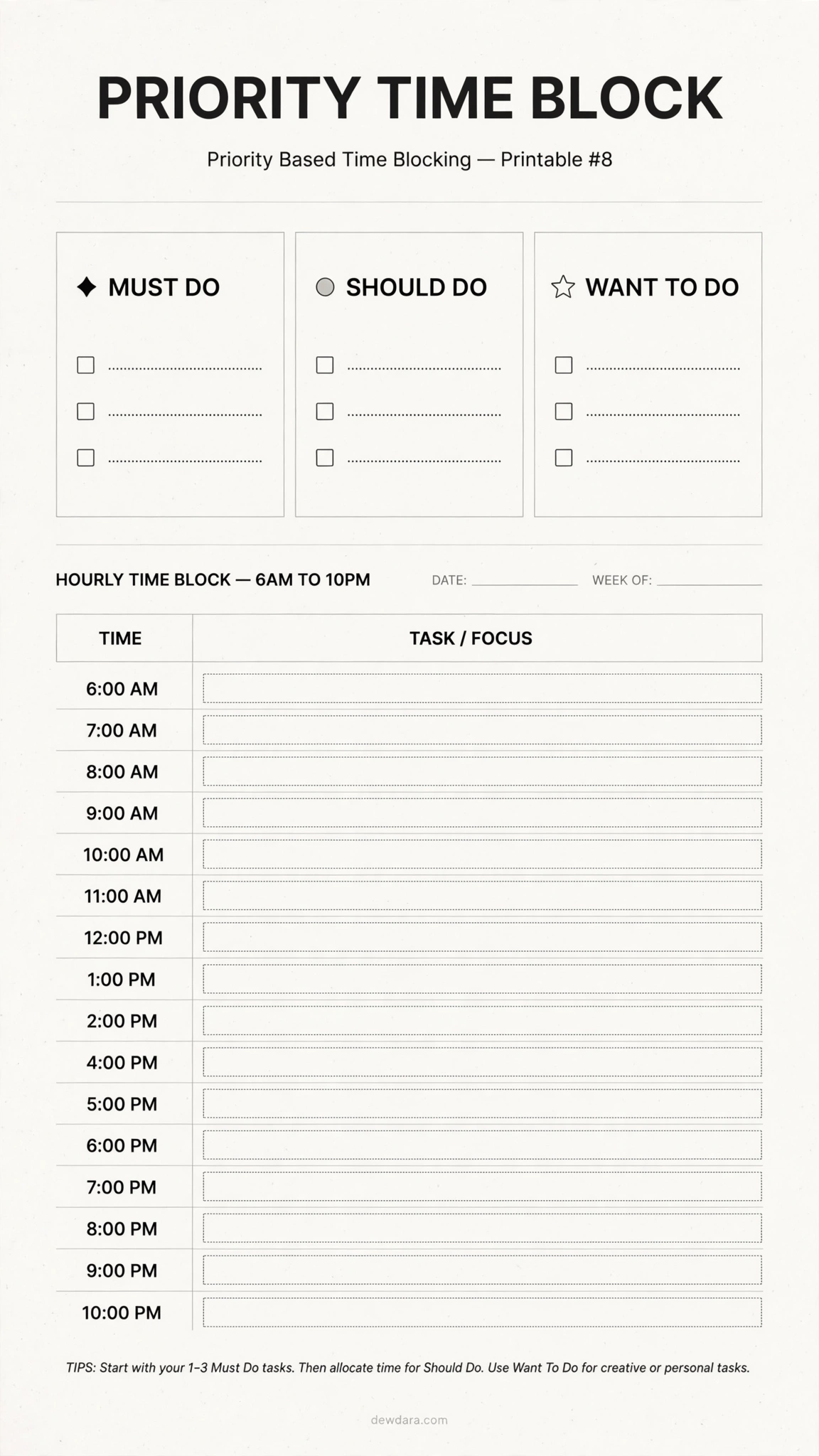
What it is: A powerful triage system: Must Do / Should Do / Want To Do layered onto your hourly day.
Who it’s for: Overwhelmed to-do list addicts.
How to use: List everything, then force-rank. Only your Must Do items get prime morning blocks.
Pro Tip: If you complete your 3 Must Dos, the day is already a win.
9. Aesthetic Pastel Time Blocking
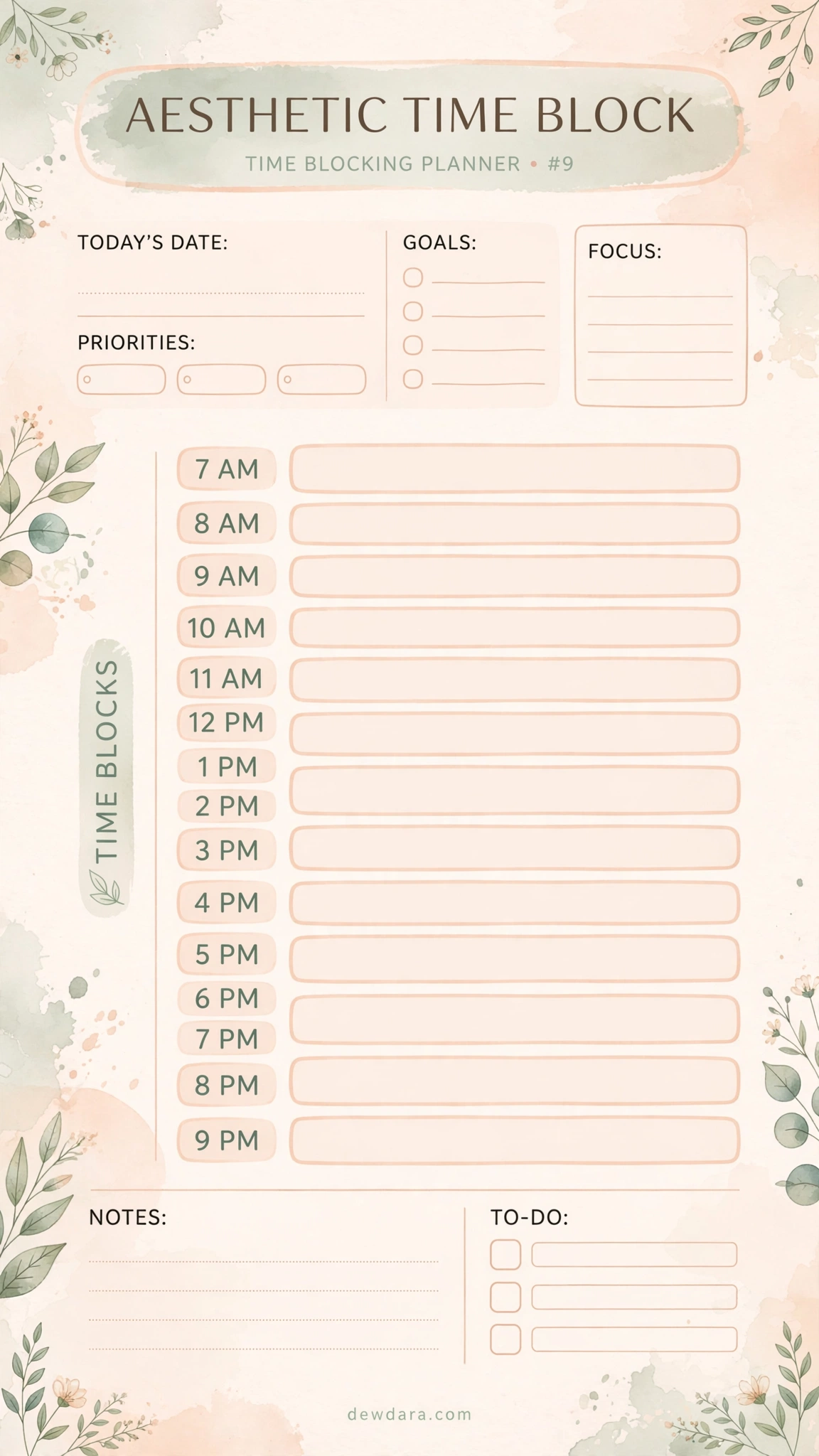
What it is: The same effective hourly system but in soft peach and sage with rounded blocks – designed to make you want to plan.
Who it’s for: Aesthetic planner lovers and Pinterest creators.
How to use: Use it as your daily desktop wallpaper or printed on your fridge – beauty increases consistency.
Pro Tip: Print on cream paper for an even softer, luxe feel.
10. Weekly Grid Time Blocking
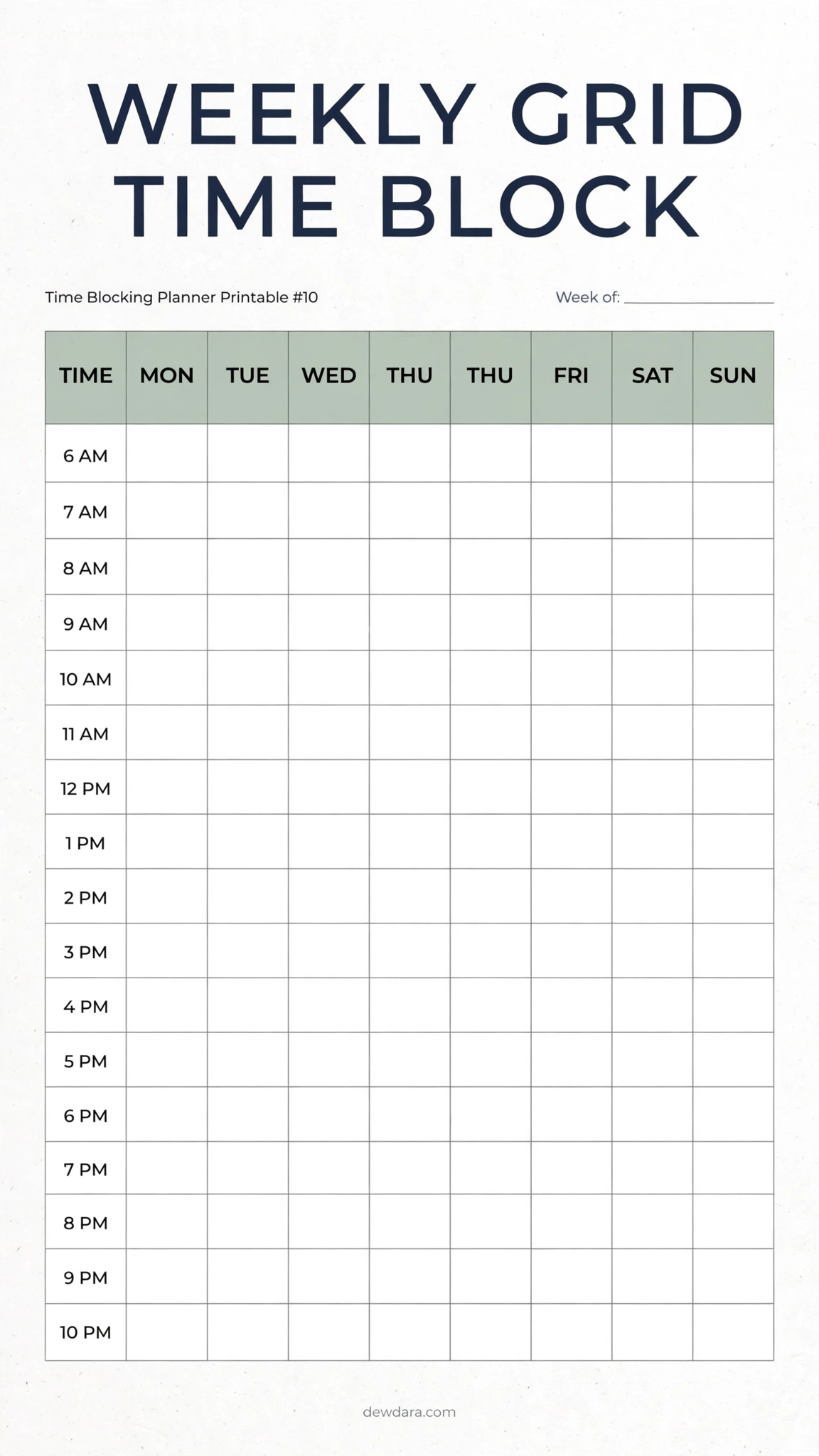
What it is: A full table grid – Monday-Sunday columns with hourly rows, the most comprehensive weekly view.
Who it’s for: Visual thinkers and project managers.
How to use: Use highlighters or sticky notes over the grid to move blocks around before committing in pen.
Pro Tip: Take a photo at the end of each week to compare planned vs. actual.
11. Time Block + To-Do & Notes Combo
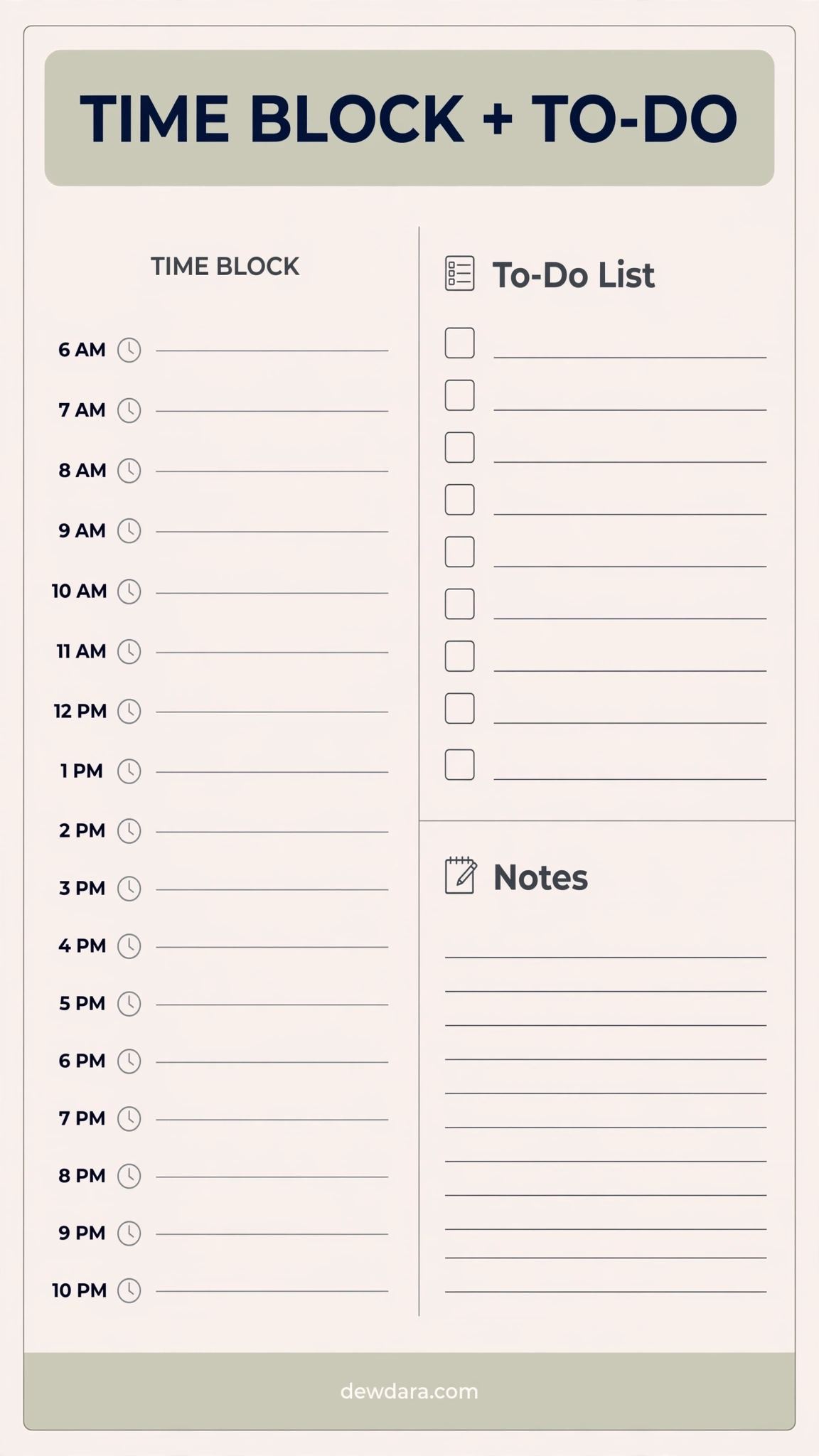
What it is: Left side: 6 AM – 10 PM time blocks. Right side: To-Do checklist and lined Notes section.
Who it’s for: People who love both time blocking and traditional to-do lists.
How to use: Brain-dump into To-Do first, then drag each item into a time block. Use Notes for what came up during the day.
Pro Tip: End the day by reviewing Notes – this becomes your tomorrow’s To-Do.
12. Entrepreneur / CEO Time Blocking
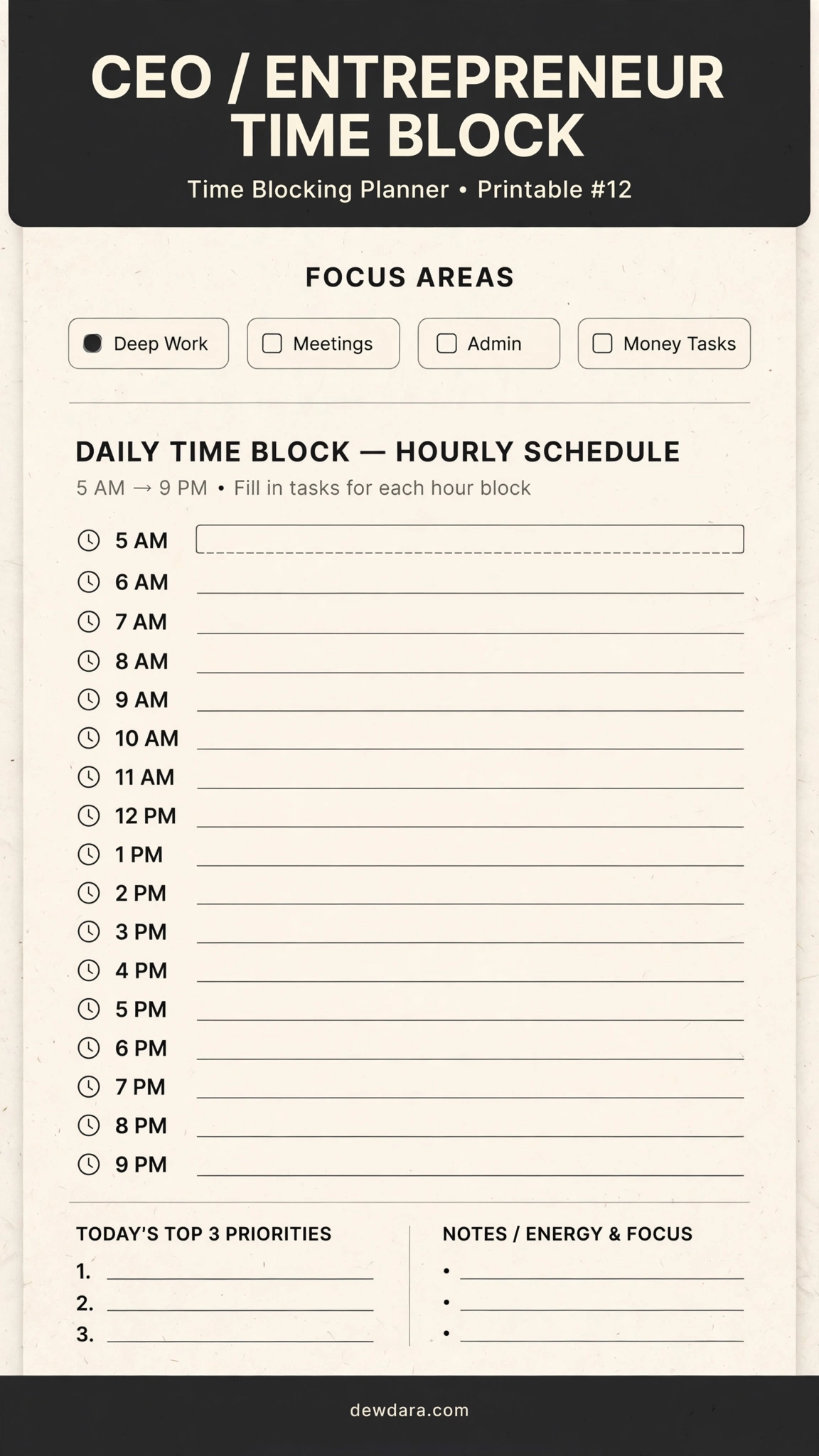
What it is: Built for business owners with blocks for Deep Work, Meetings, Admin, and Money Tasks.
Who it’s for: Entrepreneurs, founders, and side-hustlers.
How to use: Protect Deep Work first (5 AM – 9 AM is CEO prime time), batch all meetings to 2 days, and give Money Tasks a daily 60-min block.
Pro Tip: No meeting before 11 AM – your morning is for building, afternoons for managing.
13. Deep Work Time Blocking
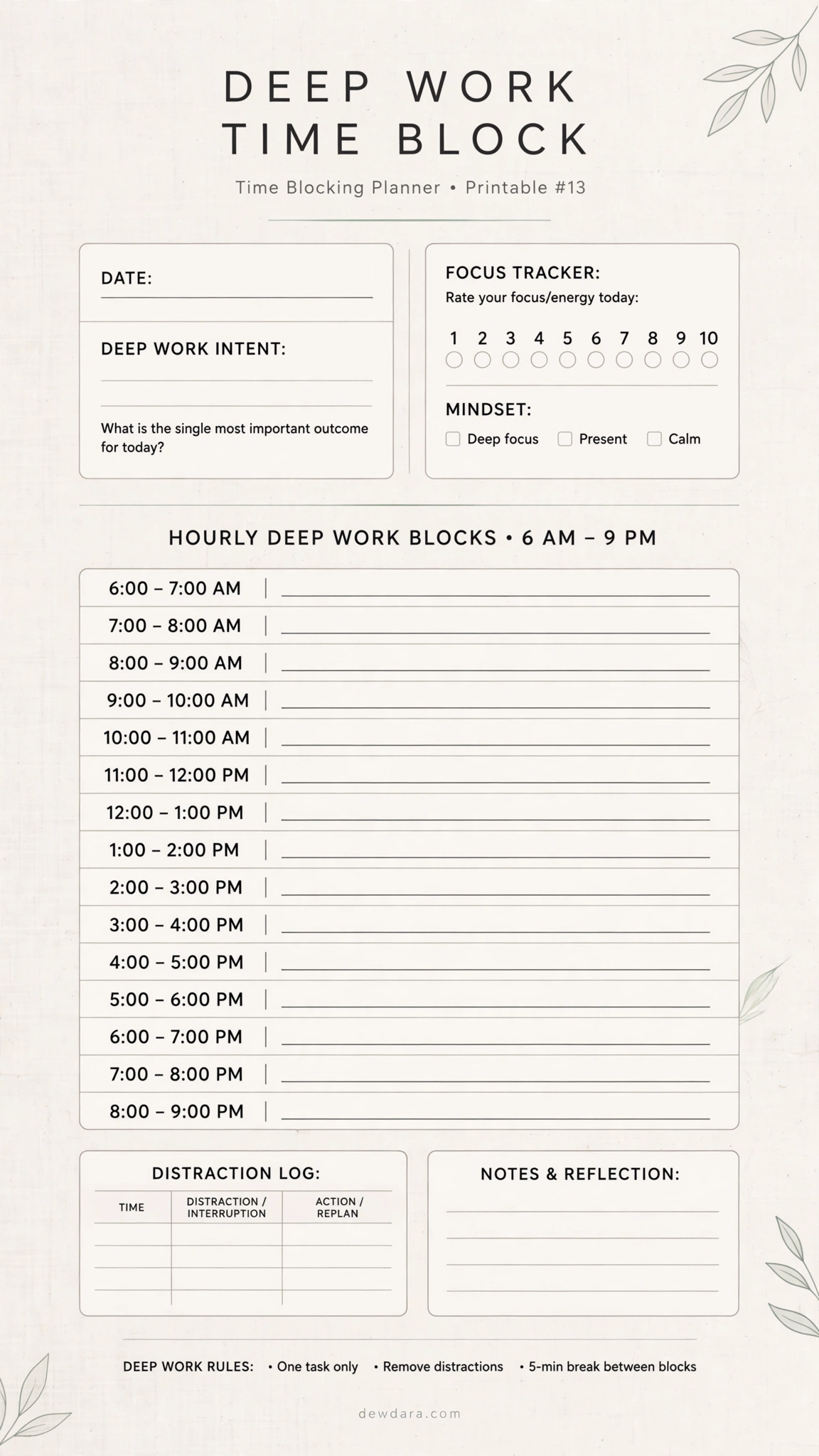
What it is: A focus-first planner with hourly deep work blocks, plus a focus tracker and distraction log.
Who it’s for: Writers, designers, coders, and students preparing for exams.
How to use: Define one deep work outcome per block. Turn off notifications and use the distraction log instead of switching tabs.
Pro Tip: Start with just two 90-minute deep work blocks a day – that’s already elite.
14. Weekend Time Blocking
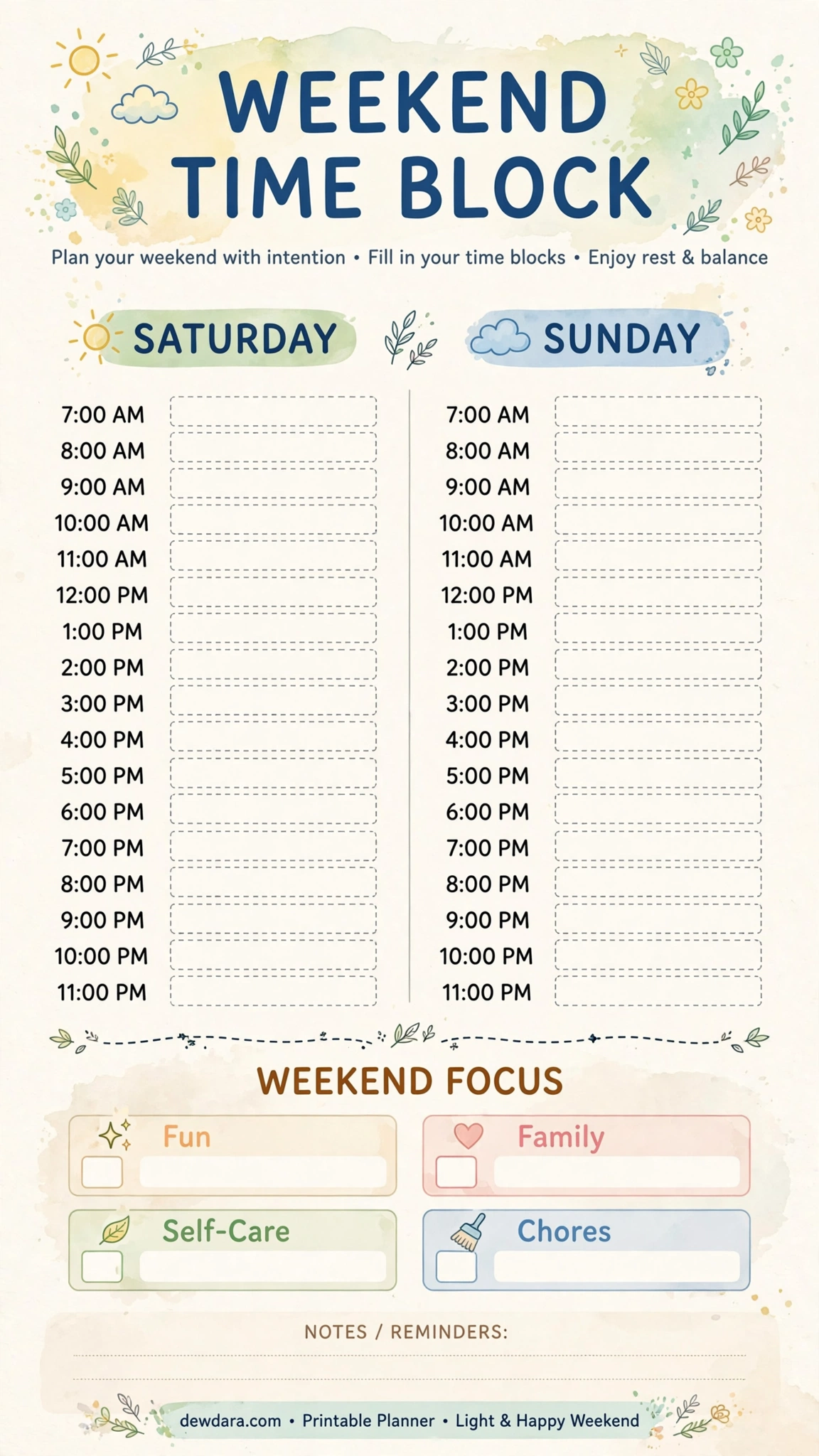
What it is: Saturday and Sunday columns with intentional categories: Fun, Family, Self-Care, Chores.
Who it’s for: Anyone whose weekends disappear without rest.
How to use: Intentionally block joy first. If Fun and Self-Care aren’t blocked, chores will eat the whole weekend.
Pro Tip: Leave Sunday evening completely blank as a buffer before Monday.
15. 24-Hour Time Blocking with Energy & Sleep Tracker
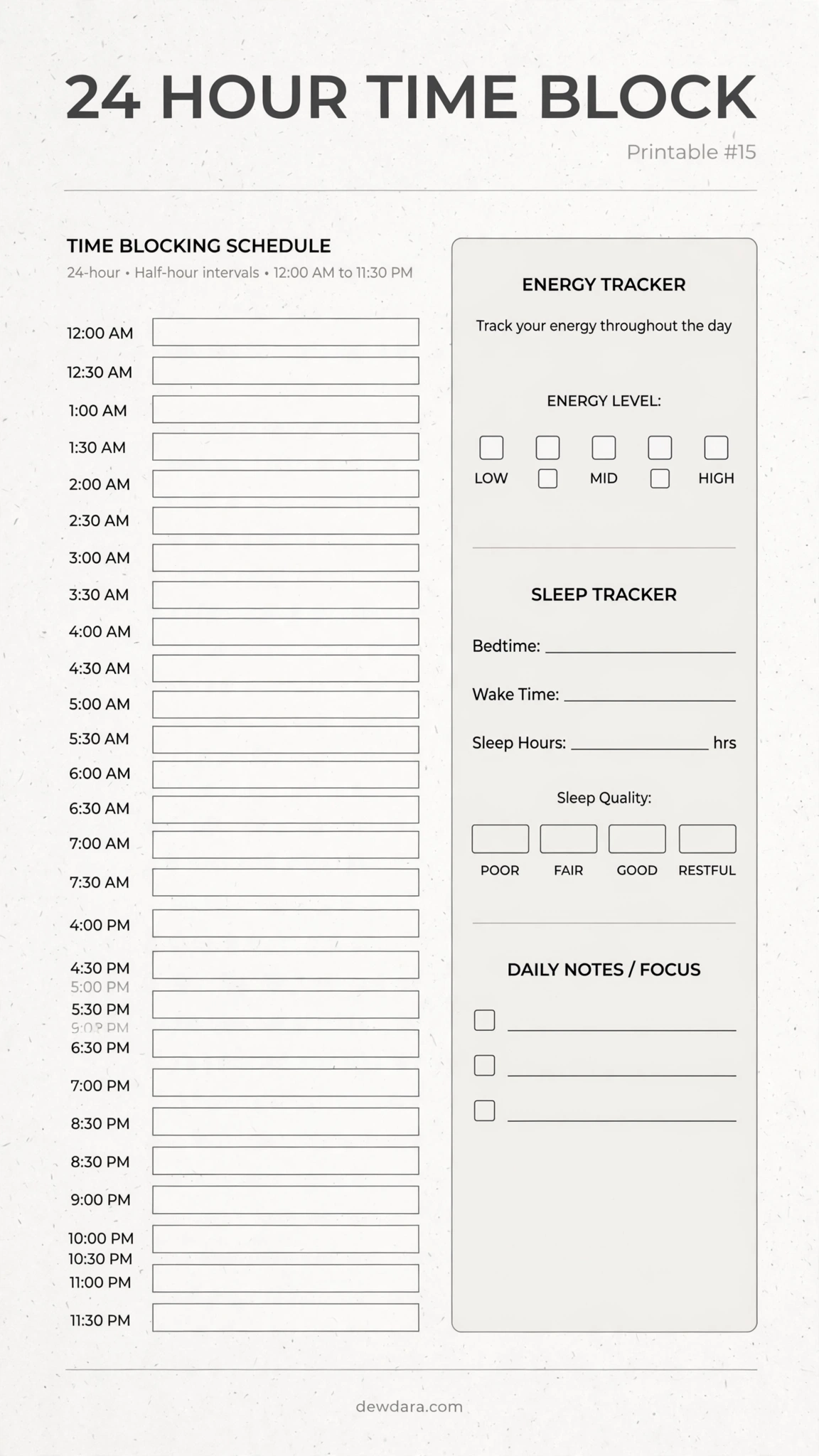
What it is: The complete audit – half-hour slots from 12 AM to 11:30 PM plus Energy Tracker and Sleep Tracker.
Who it’s for: Night owls, shift workers, and anyone optimizing their circadian rhythm.
How to use: Track energy for 3 days, then build future blocks around high-energy windows. Log bedtime, wake time, and sleep quality.
Pro Tip: Your most important time block is your sleep block – protect it like a meeting with your future self.
Conclusion
The best time blocking planner is the one you will actually use. Start with #1 Daily Minimal if you are new, move to #3 Color-Coded if you need balance, and graduate to #10 Weekly Grid or #15 24-Hour once the habit sticks.
Print 5-7 copies of your top 2 favorites, keep them on a clipboard, and commit to 7 days. You will quickly see that productivity isn’t about doing more – it’s about giving every hour a clear purpose.
All printables are blank, in 9:16 vertical format, and branded for dewdara.com for your personal collection.