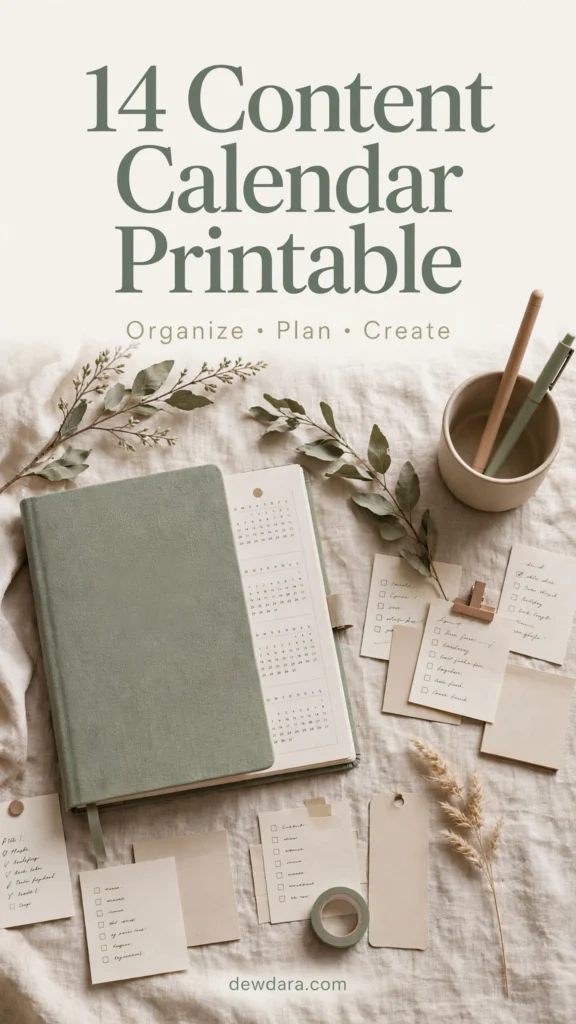
14 Content Calendar Printable: The Ultimate Kit to Organize, Plan & Create Consistently
Consistency is the secret behind every successful brand, blog, and creative business. But consistency doesn’t happen by accident — it happens by planning.
If you’ve ever felt overwhelmed by what to post, when to publish, or how to turn one idea into a month of content, a content calendar is your solution. It takes the chaos out of creation and replaces it with clarity.
This collection of 14 Content Calendar Printables was designed to give you a complete system — from big-picture annual planning down to daily execution. Each printable is minimal, aesthetic, and completely unfilled so you can customize it for your brand, your platforms, and your workflow.
All printables are in vertical format, optimized for printing at home or using on your tablet.
Let’s explore the full kit.
1. Monthly Content Calendar Overview
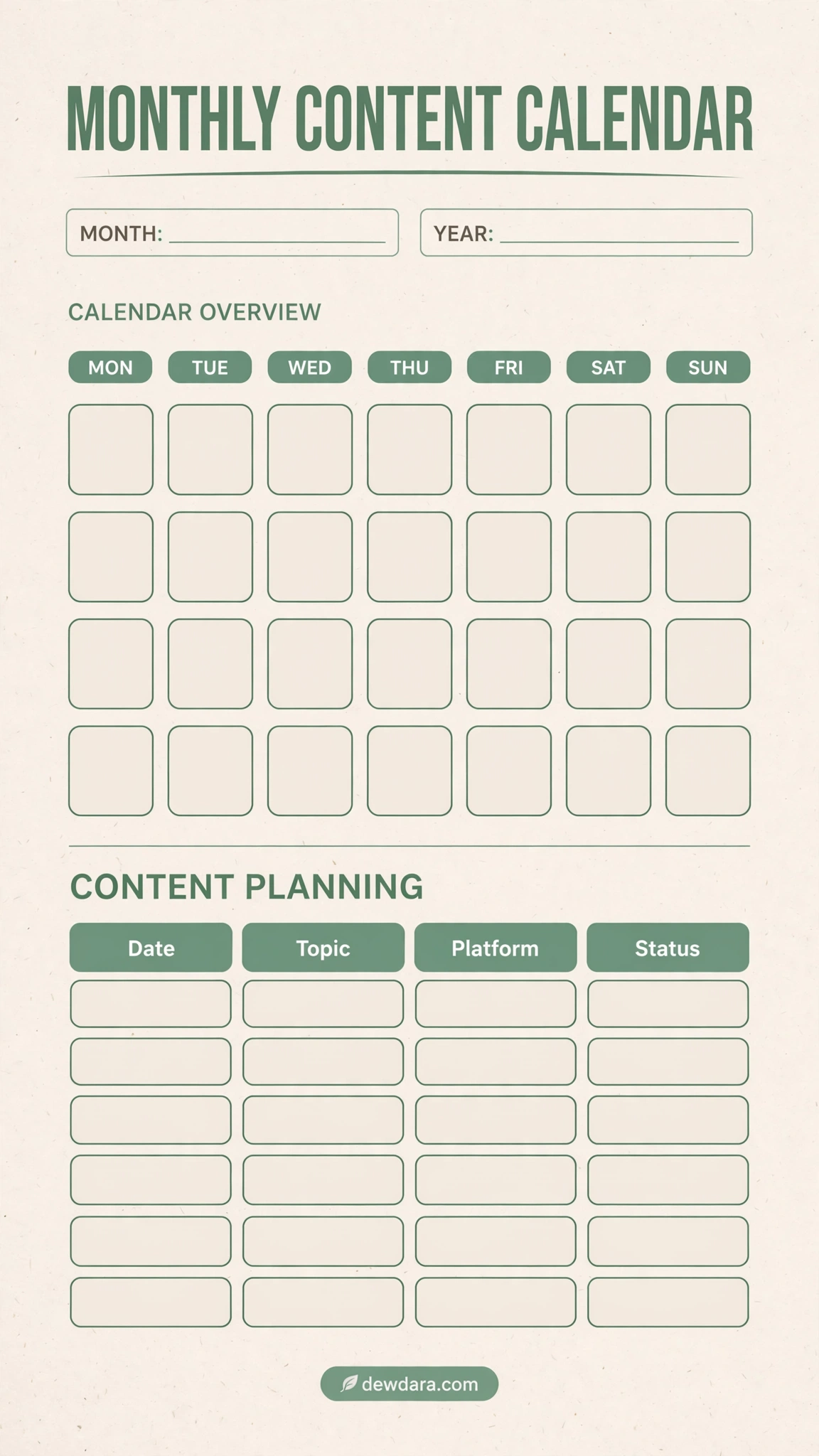
Your bird’s-eye view for the month. This is the foundation of the entire system. Use it to map out your month at a glance, assign publish dates, and balance your platforms.
How to use it: Write your month at the top, fill in key dates and launches in the calendar grid, then use the table below to log your Topic, Platform, and Status. Perfect for seeing gaps and avoiding last-minute scrambling. This is ideal for bloggers, small business owners, and social media managers.
2. Weekly Content Planner
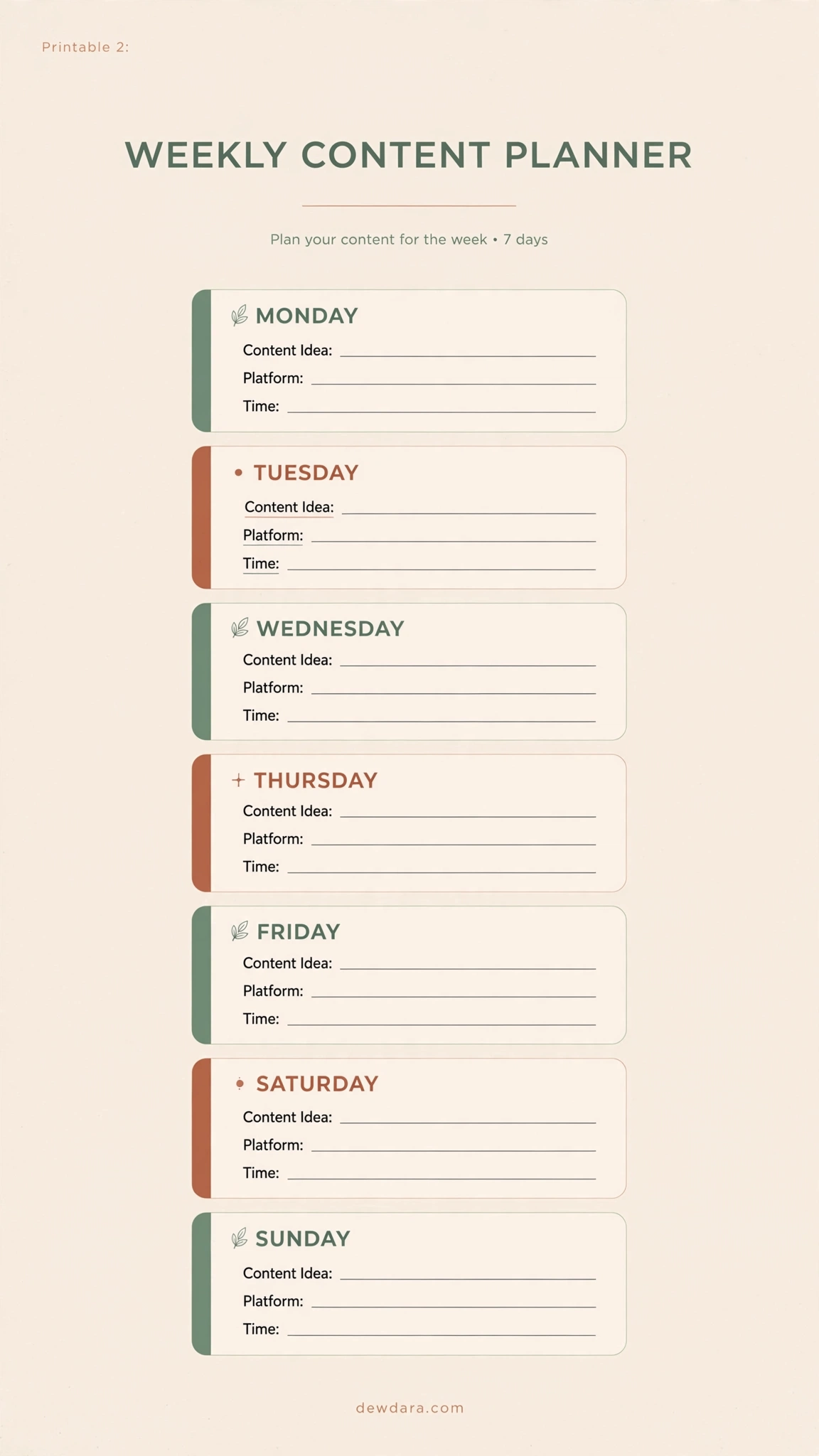
Big monthly goals become manageable weekly tasks here. This planner breaks your week down day-by-day so you never wonder what to post tomorrow.
How to use it: Assign one main content idea per day, note the platform (Instagram, Blog, YouTube), scheduled time, and a checkbox for creation status. Use it every Sunday to plan your upcoming week in under 20 minutes.
3. Daily Content Breakdown
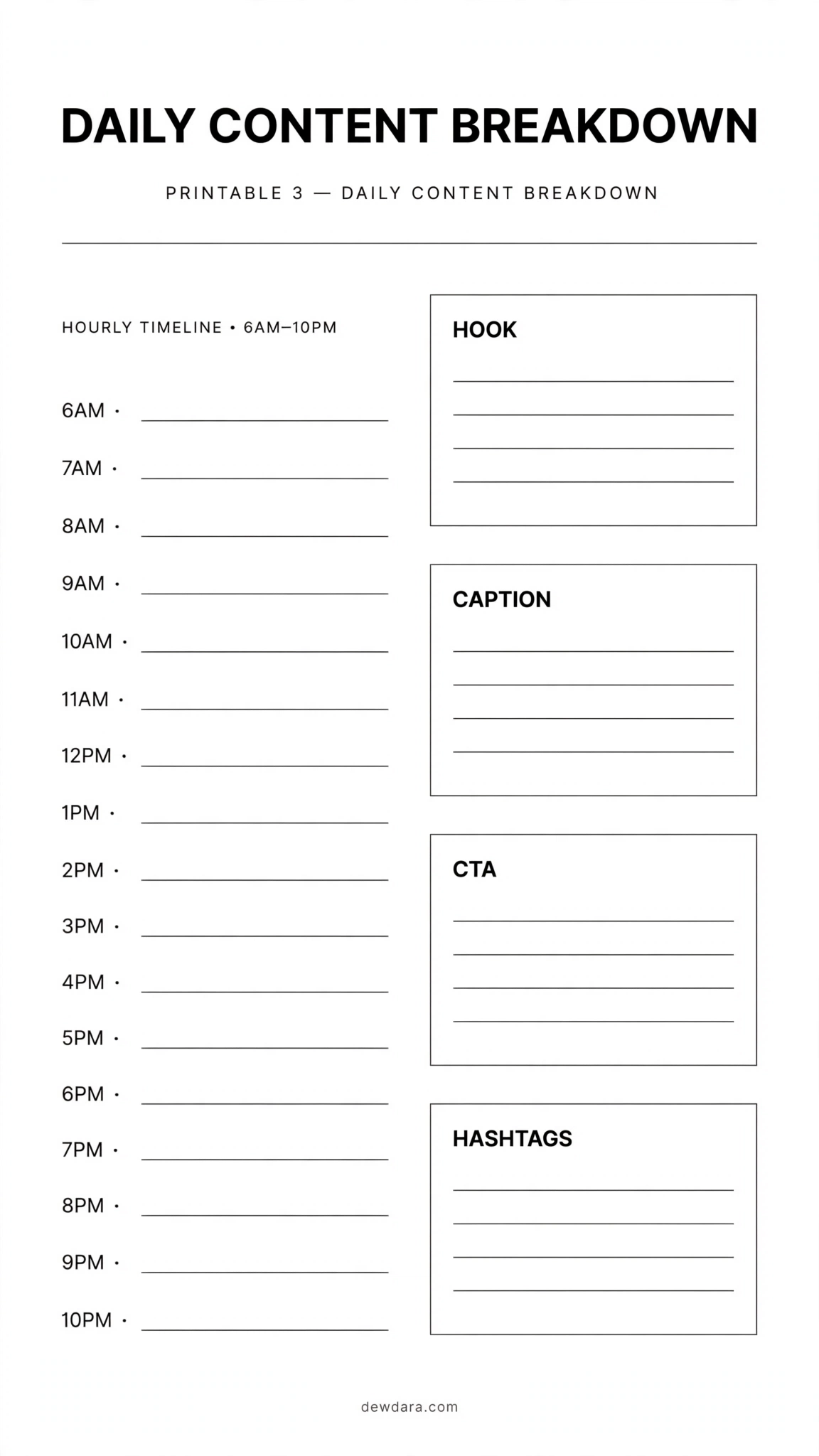
For days when you need deep focus. This sheet is designed for a single piece of content, from idea to final call-to-action.
How to use it: Start with your core hook, write your full caption or script points, then define your CTA, hashtags, and links. It eliminates writer’s block and keeps your messaging strategic and intentional.
4. Social Media Content Calendar
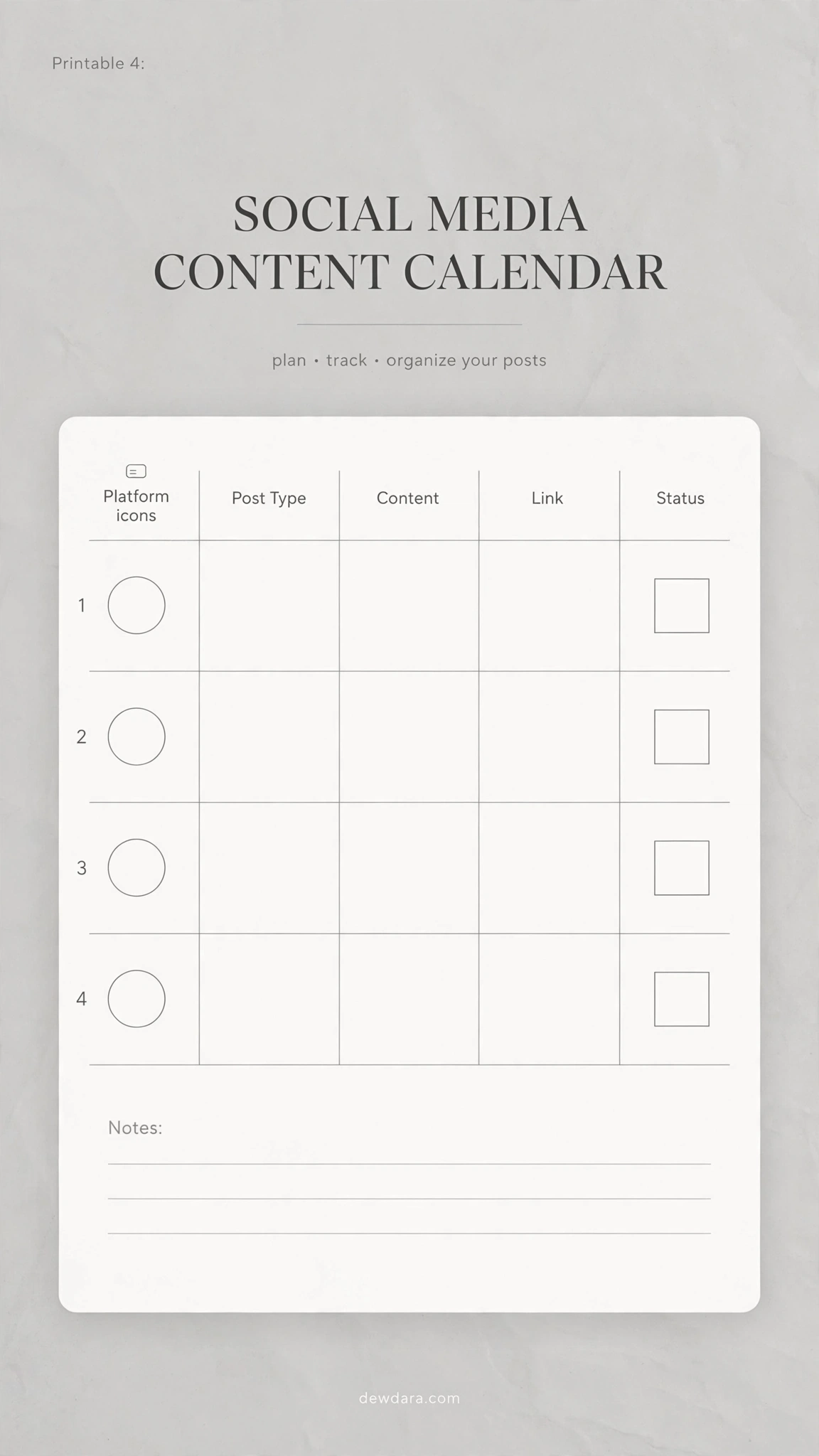
The workhorse for multi-platform creators. Stop juggling apps and keep all your social content in one organized place.
How to use it: Log the date, platform icon, post type (Reel, Carousel, Story, Pin), your content topic, and track its status from Idea to Published. Excellent for maintaining a consistent brand voice across channels.
5. Blog Post Content Calendar
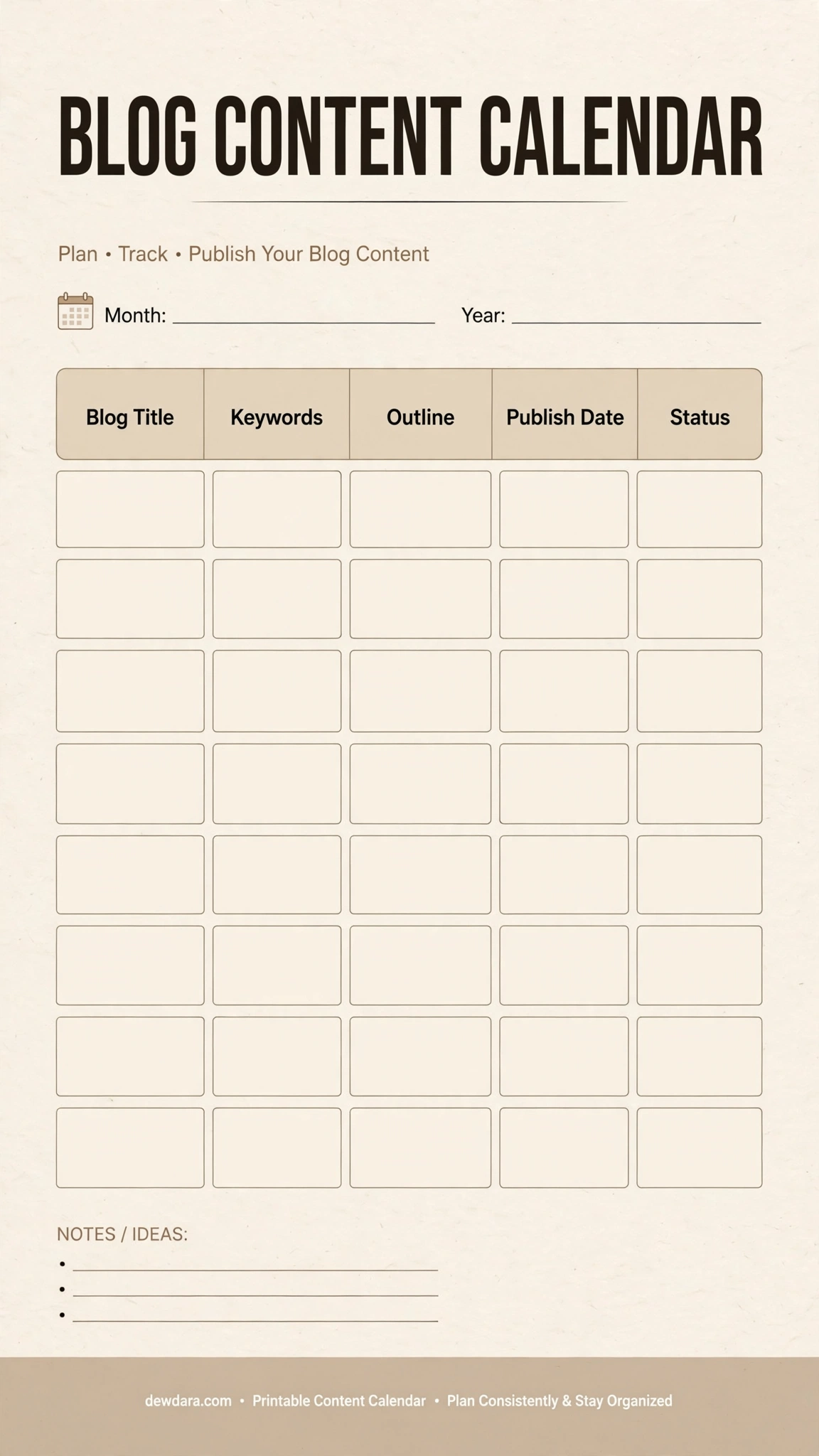
Designed specifically for long-form content. A blog thrives on SEO and structure, and this printable keeps both in focus.
How to use it: Plan your blog title, target keywords, a quick outline of H2s/H3s, your intended publish date, and current status. It helps you batch your writing and stay ahead of your editorial schedule.
6. Instagram Feed Planner
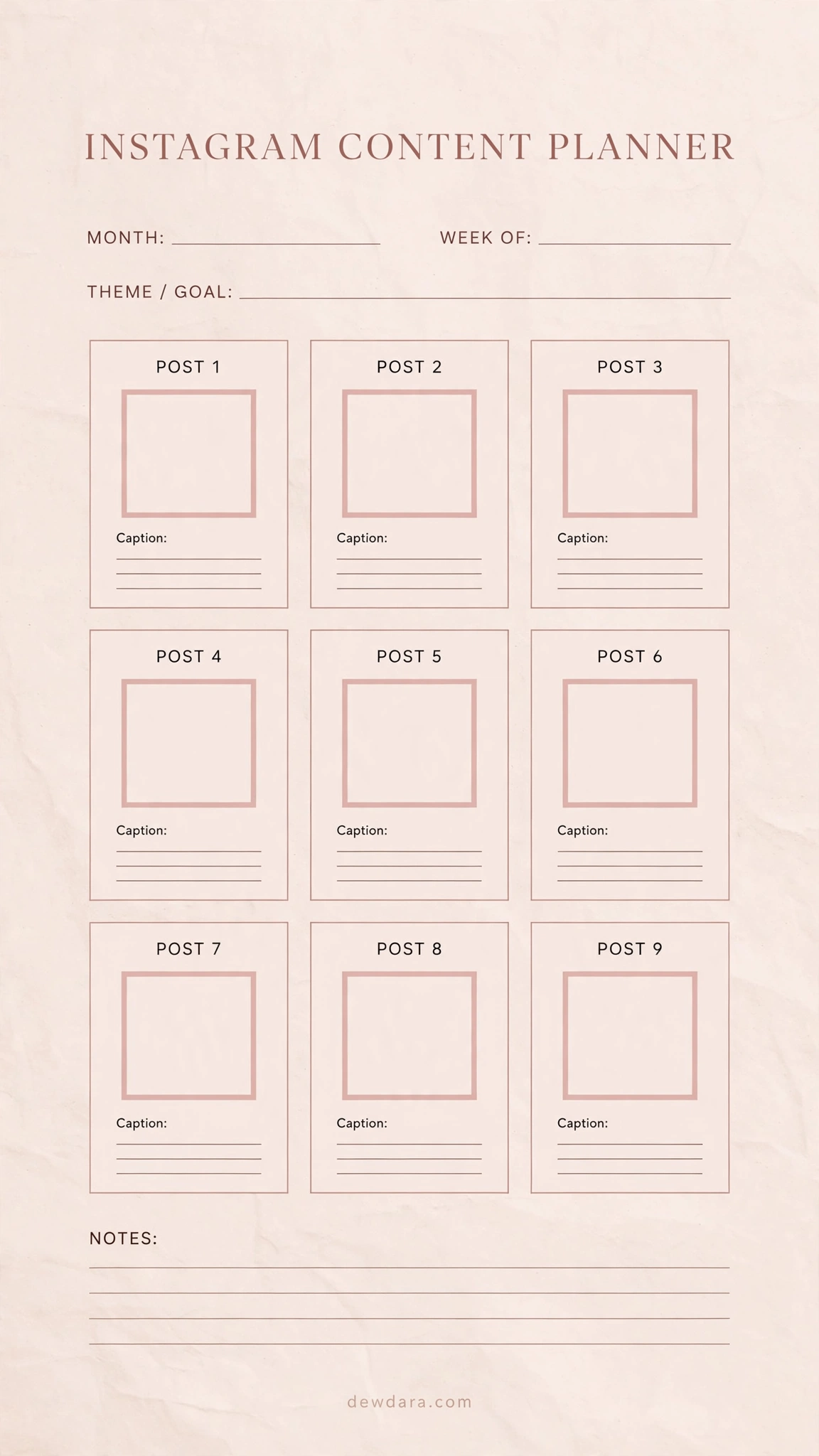
Visual planning is essential for Instagram. This layout lets you curate your feed before you post.
How to use it: Use the 9-grid to sketch or note your upcoming photos/Reels, then use the side sections to draft captions and note posting times. It helps you maintain a cohesive, aesthetic feed that tells a story.
7. YouTube Video Content Calendar
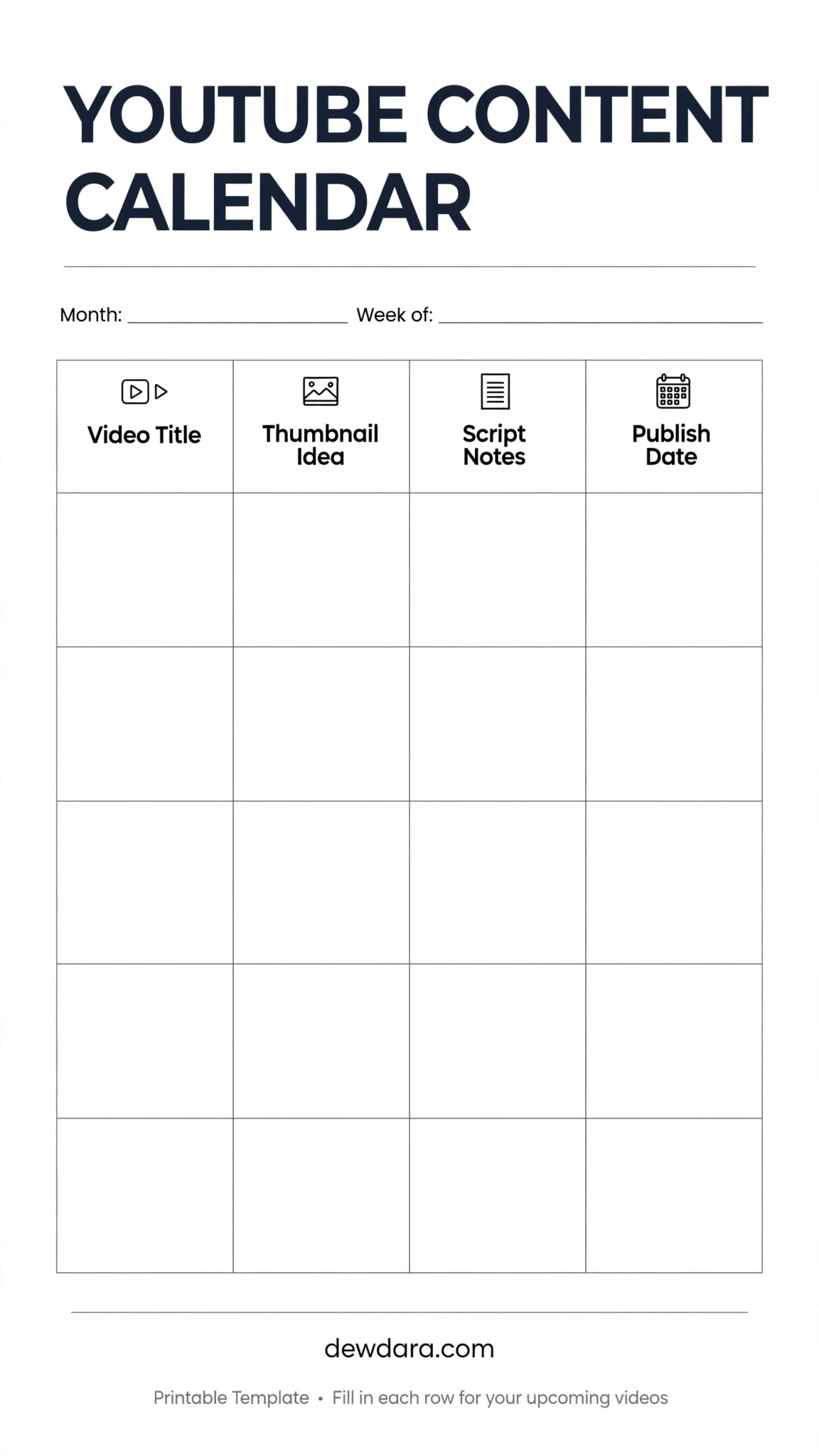
YouTube requires more pre-production than any other platform. This planner keeps your production pipeline smooth.
How to use it: For each video, define the title, your thumbnail concept (critical for CTR), key script bullet points, and publish date. Track everything from idea to uploaded, so you never miss an upload day.
8. Email Newsletter Content Calendar
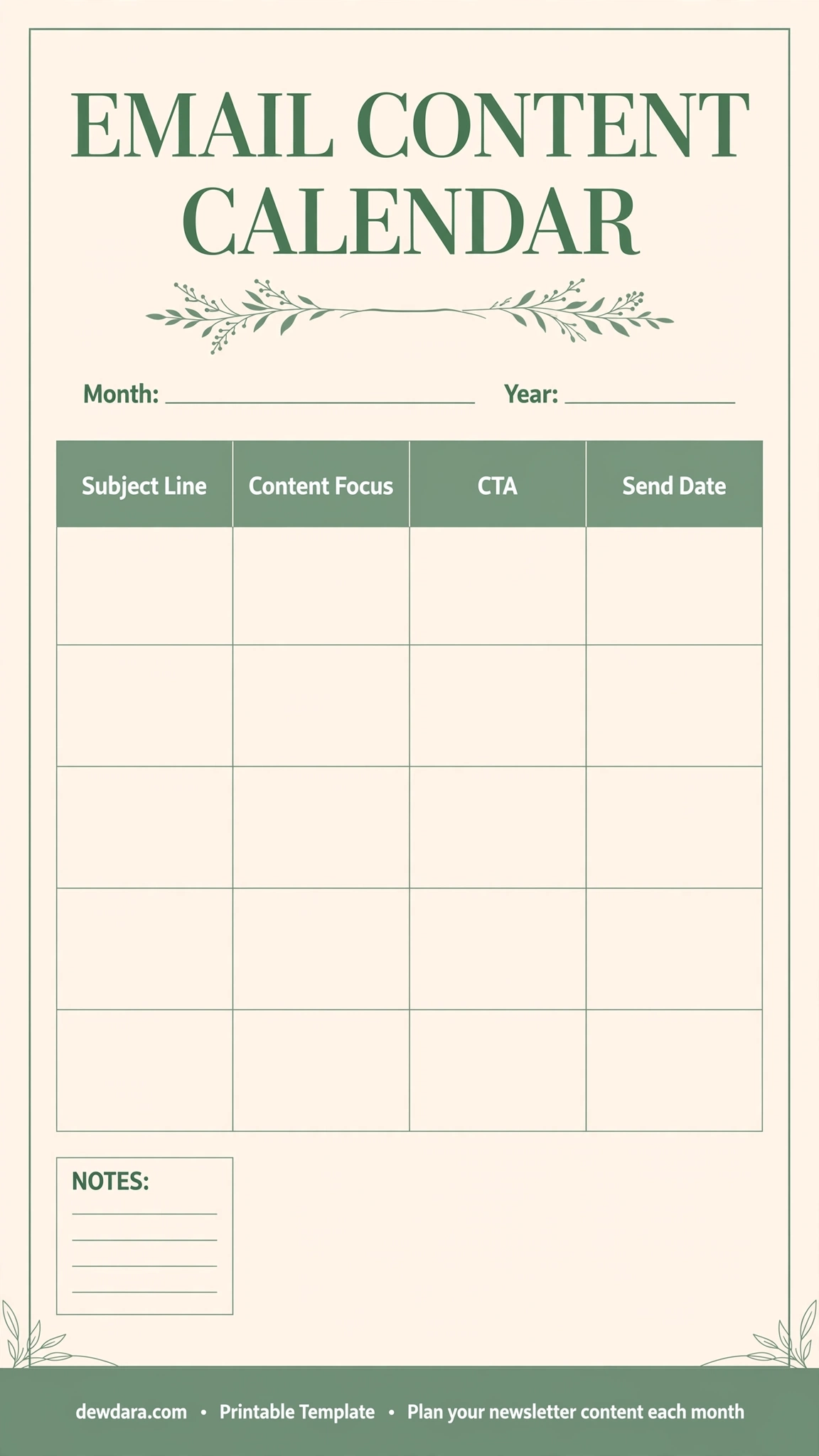
Your email list is your most valuable asset. Plan it with the same intention as your public content.
How to use it: Map your subject line, the core value or story of the email, your main Call-To-Action, and the send date. This ensures your emails are consistent, valuable, and drive conversions without being salesy.
9. Quarterly Content Roadmap
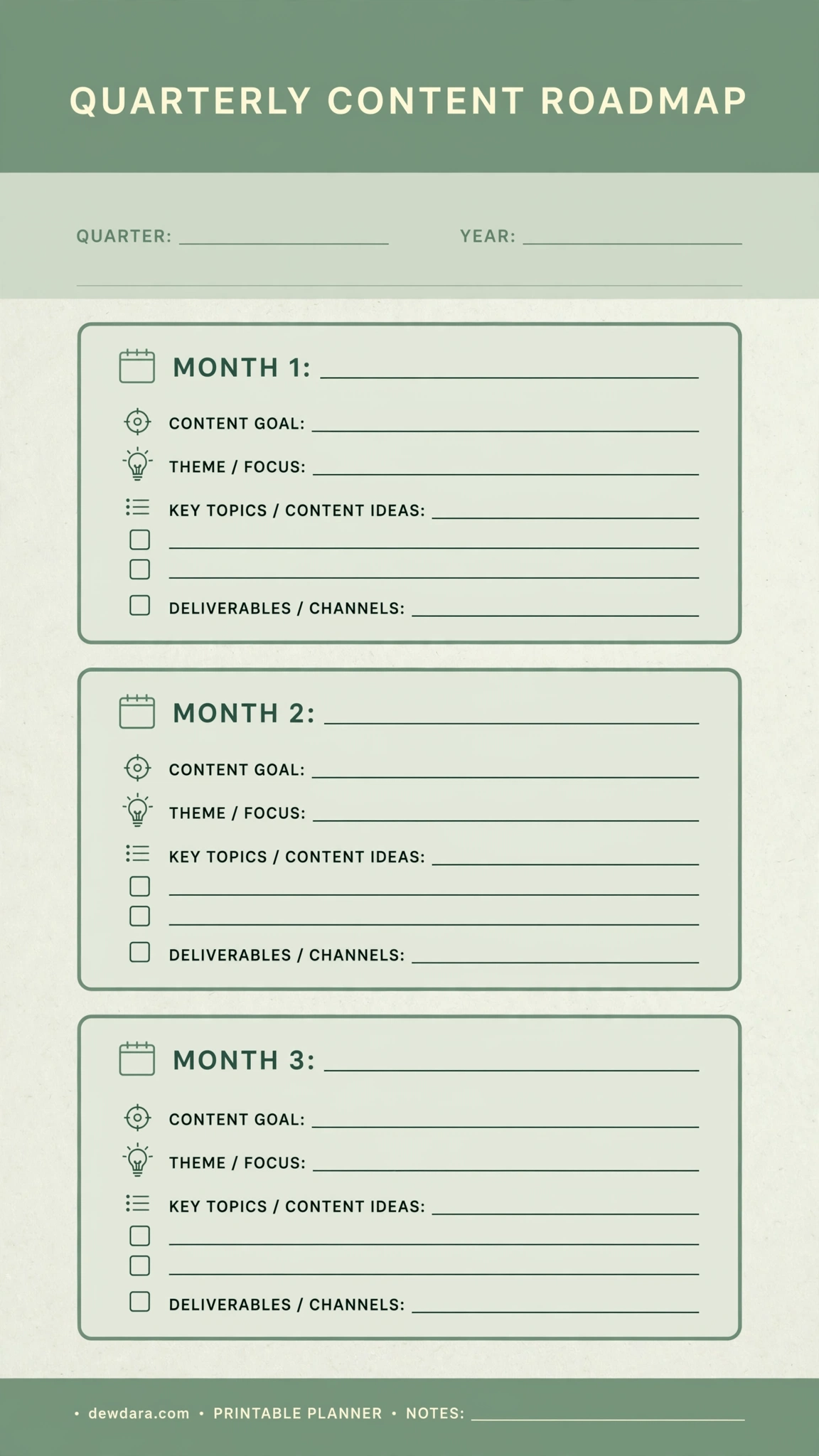
Think 90 days ahead. This is for strategic planning — aligning your content with your business goals, launches, and seasons.
How to use it: Divide your year into quarters. For each quarter, set a main theme, 3 key topics, and major campaigns. This prevents reactive posting and helps you build campaigns that actually convert.
10. Content Ideas Brain Dump
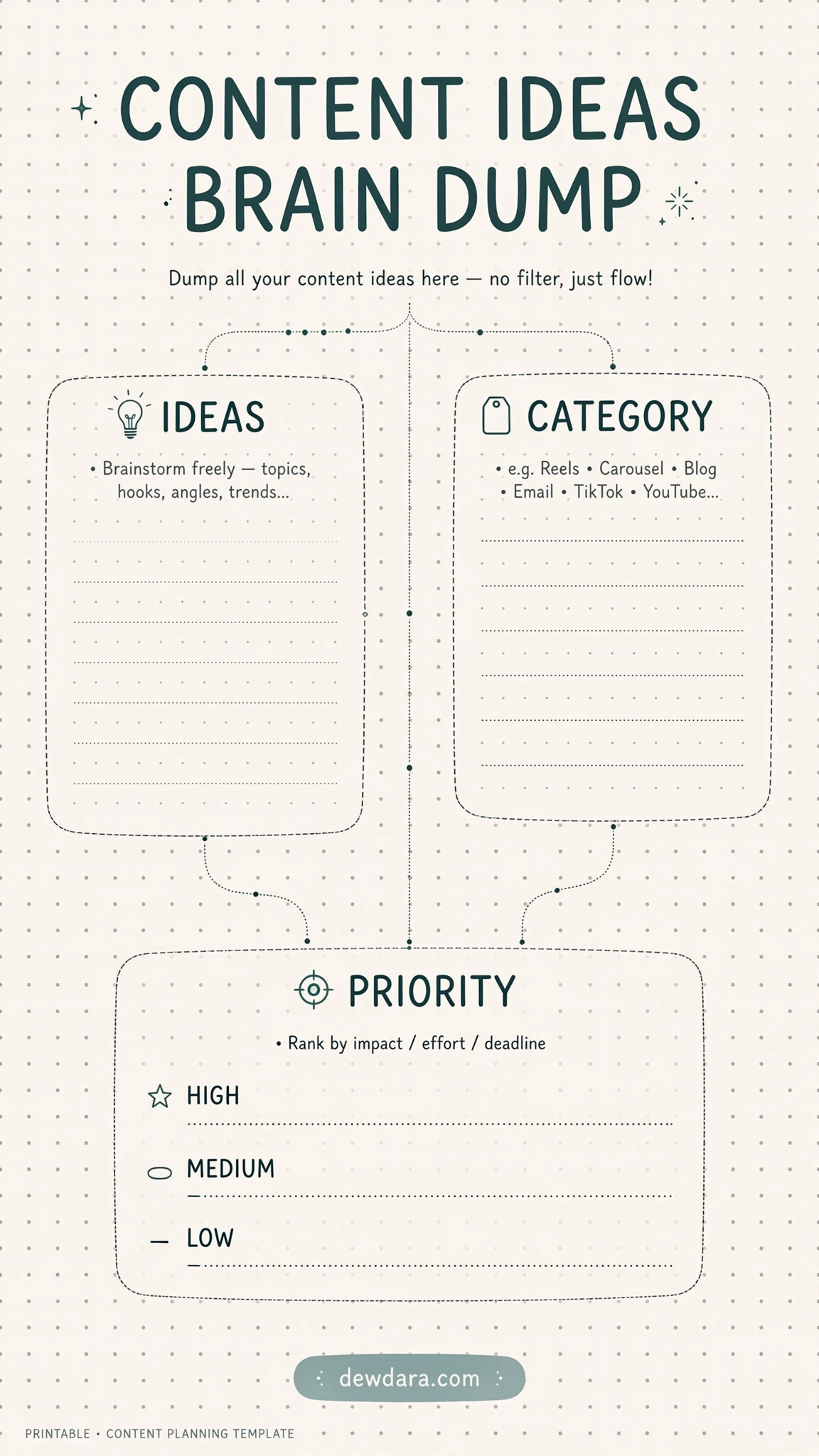
Every creator needs a capture space. Your best ideas come at random moments — this is where you store them.
How to use it: Whenever an idea strikes, dump it here with its category (Tips, Personal, Tutorial) and priority level. When it’s time to plan, you’ll never start from a blank page again. Print several copies and keep one in your bag.
11. Hashtag & Keyword Tracker
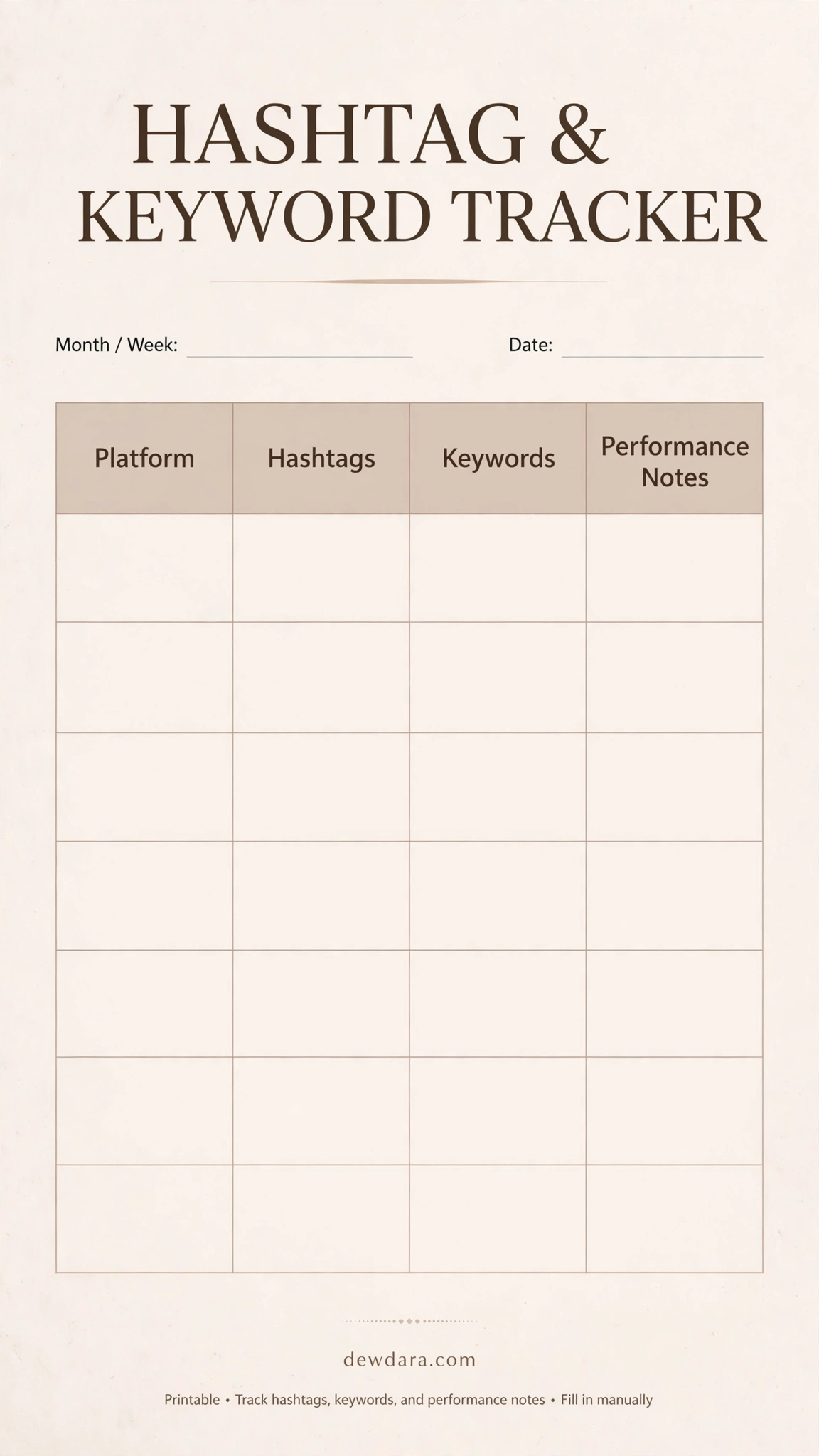
Stop using the same 30 hashtags. Grow intentionally by tracking what actually works.
How to use it: Create sets of hashtags and keywords by platform or niche, and leave space for performance notes. Over time, you’ll build a proven bank of high-performing tags and SEO terms, saving hours of research.
12. Content Repurposing Planner
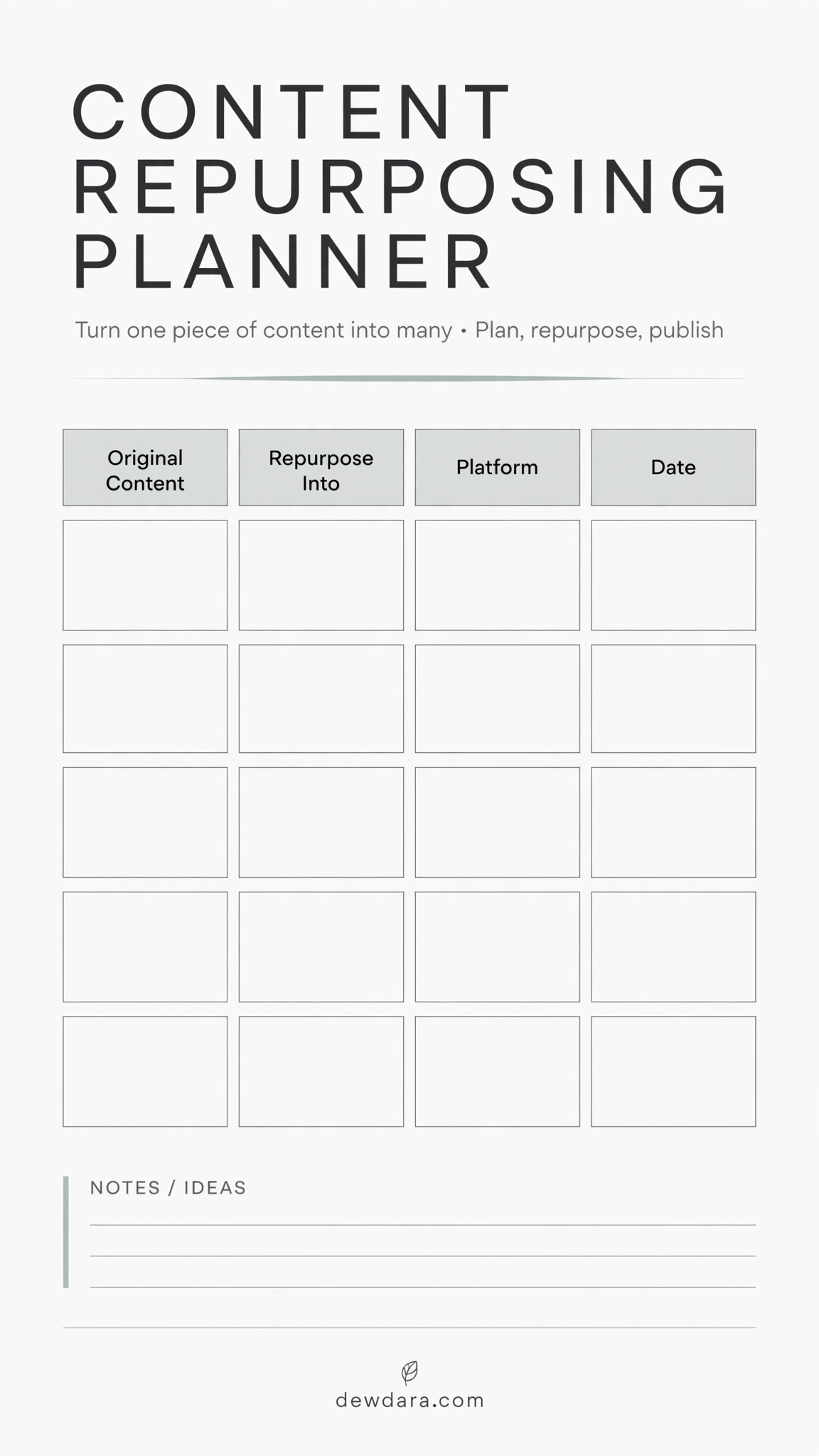
Work smarter, not harder. One piece of long-form content can become 10+ micro pieces.
How to use it: Write your original content (e.g., a YouTube video) in column one, then map how you’ll repurpose it — into Reels, Pins, Tweets, Emails — and where/when you’ll publish. This is the ultimate time-saver for solo creators.
13. Campaign Launch Calendar
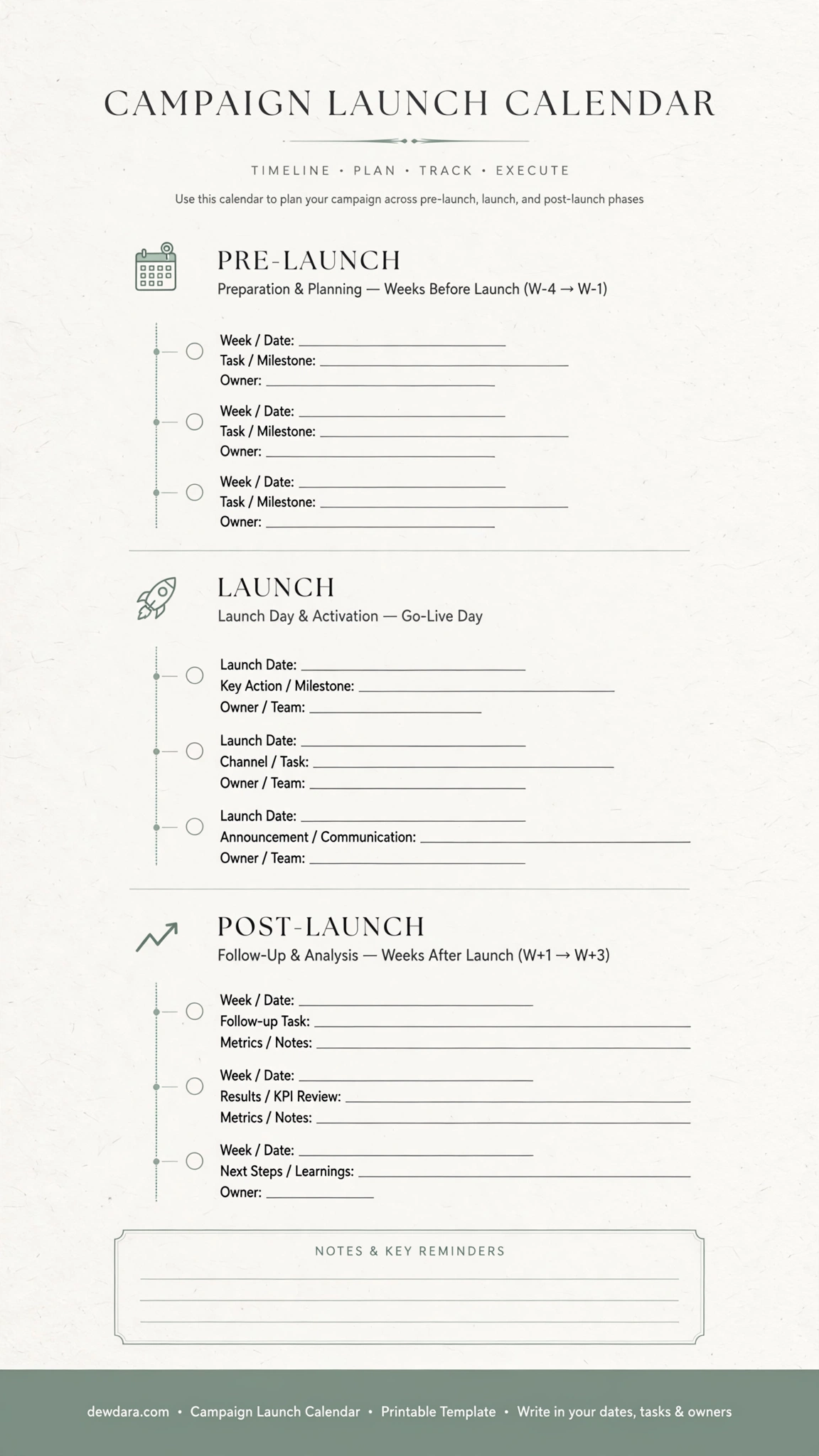
Launching a product, service, or digital product? You need a timeline, not just a to-do list.
How to use it: Break your launch into Pre-Launch, Launch Day, and Post-Launch phases. Assign tasks, dates, and owners. It keeps your team aligned and ensures no detail — from teaser emails to post-launch analytics — is missed.
14. Annual Content at a Glance
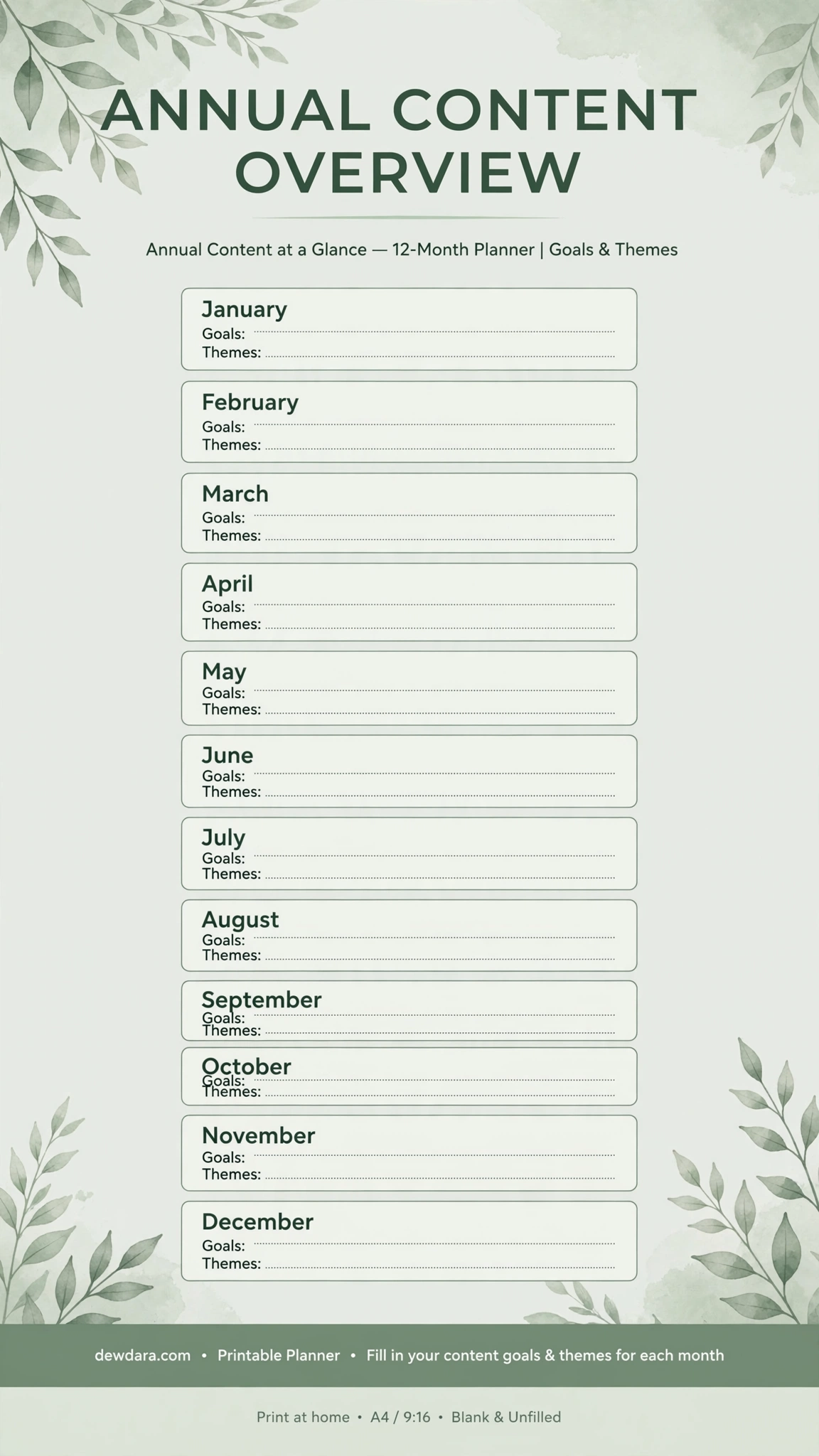
The CEO view of your content. See your entire year on one page to plan around holidays, launches, and personal time off.
How to use it: For each month, note your main goal, overarching theme, and key events. Hang this on your wall. It keeps you focused on long-term growth while you execute daily tasks.
Conclusion
A content calendar is more than a schedule — it’s a creative system that protects your time, energy, and ideas.
With these 14 printables, you now have everything you need to go from overwhelmed to organized: capture ideas, plan strategically, create intentionally, and publish consistently.
Print the full kit, bind it, or upload it to your iPad. Start with the Annual Overview, then drill down to Quarterly, Monthly, and Weekly. Let the system work for you.
All templates are designed by dewdara.com — minimal, aesthetic, and made to help you create more with less stress.